Table of Contents
Finding the best podcast editing software is about making your workflow faster and your audio sound professional. The right tool transforms raw recordings into polished episodes that keep listeners engaged, while the wrong one adds hours of frustrating work. Whether you're a busy creator or a marketer, your goal is a clear, consistent process that produces great content without the technical headaches.
This guide will help you choose the right software for your specific needs. We’ll cover the top options—from simple AI-powered tools to professional-grade editors—and break down who each is for. You’ll find a clear comparison table and our criteria for selecting the best tool, so you can make a confident decision and get back to creating.
Success means spending less time on tedious edits and more time growing your show. Let's find the software that makes that happen.
How to Choose the Best Podcast Editing Software for You
Before diving into the list, let's define the key criteria for a great podcast editor, especially for non-technical creators:
- Ease of Use: How quickly can you learn the software and start editing? A simple interface and intuitive workflow are crucial.
- AI & Automation: Does the tool automate tedious tasks like removing filler words ("ums," "ahs"), enhancing audio quality, or reducing background noise?
- Workflow Integration: Does it fit into your entire process, from recording to creating promotional clips? All-in-one platforms can save a lot of time.
- Pricing Model: Is it a one-time purchase, a monthly subscription, or a free tool? Your budget and commitment level matter.
1. Descript
Descript revolutionizes audio and video editing by transforming your media into a text document. Instead of manipulating complex waveforms, you edit the automatically generated transcript, and the corresponding media is edited for you. This makes it one of the best podcast editing software options for creators who are more comfortable with words than with traditional timelines. The workflow is incredibly intuitive: just record your audio, get the transcript, and then cut, copy, paste, or delete text to shape your final episode.
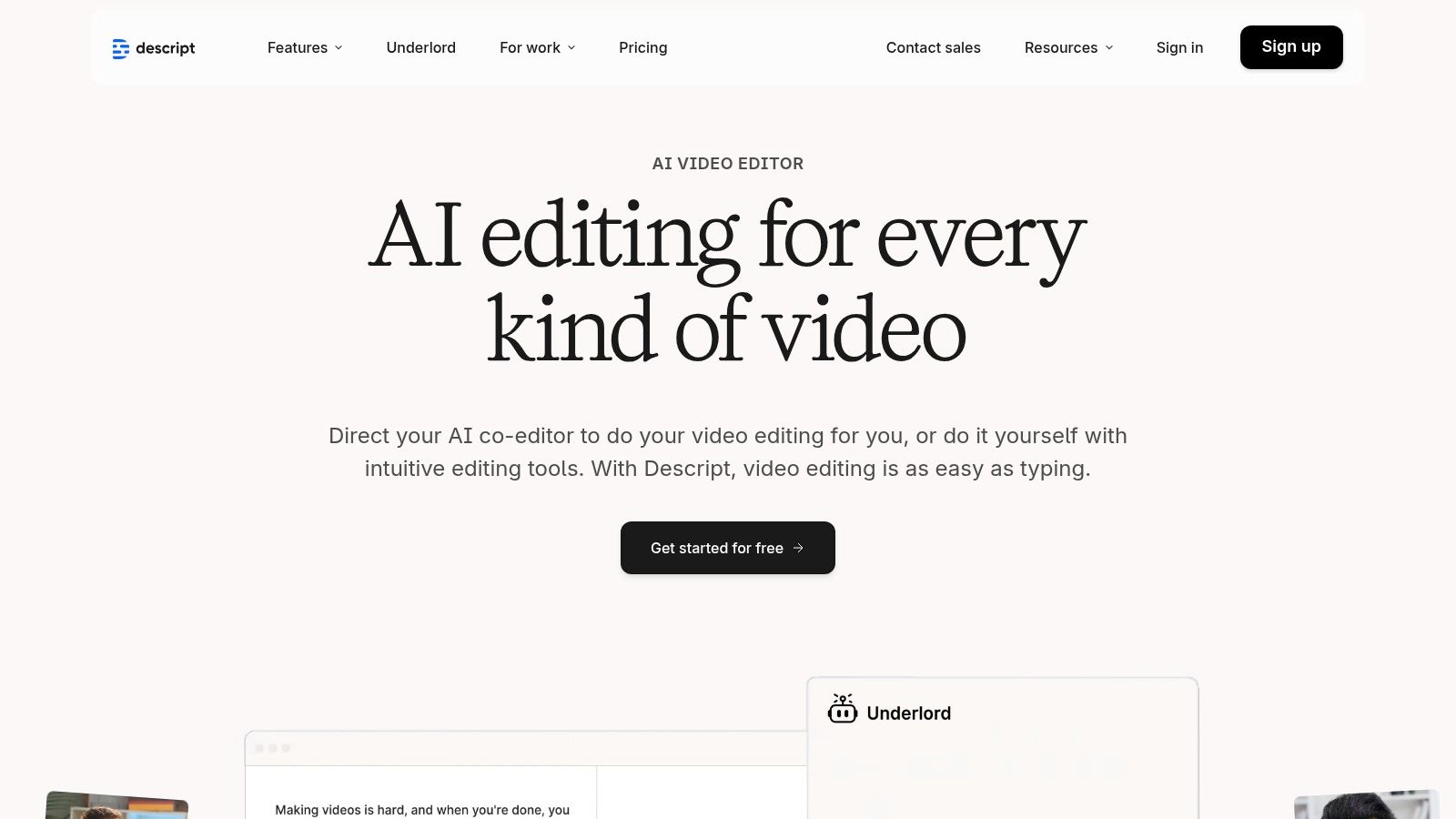
This text-based approach is a game-changer for speed and accessibility, especially for podcasters without a technical audio engineering background. Descript also excels at repurposing content; you can easily highlight text to create short, shareable clips for social media, complete with audiograms and captions. The platform integrates powerful AI tools like Studio Sound to enhance vocal quality and a one-click filler word remover ("uhms" and "ahs") to clean up conversations effortlessly. After polishing your episode, you can further enhance its reach by exploring ways to promote your podcast after publishing.
Key Features & Pricing
- Standout Features: Text-based editing, automatic transcription, multitrack recording, Studio Sound for audio enhancement, Overdub for AI voice cloning, and social clip creation.
- Pricing: Offers a free plan with limited transcription. Paid plans start with the Creator tier at $12/editor/month (billed annually) for 10 hours of transcription, followed by Pro at $24/editor/month for 30 hours. Custom Enterprise plans are also available for teams.
- Best For: Solo creators, journalists, and collaborative teams who prioritize a fast, transcript-driven workflow.
Pros and Cons
Pros:
- Intuitive Workflow: Drastically reduces the learning curve for audio editing.
- Powerful AI Tools: Studio Sound and filler-word removal save significant cleanup time.
- All-in-One Platform: Combines recording, editing, transcription, and social clip creation.
Cons:
- Metered Usage: Transcription hours and AI features are metered, which may require add-on purchases for prolific users.
- Performance: The desktop app provides a significantly better experience than the web version, which can be resource-intensive.
2. Adobe Audition (Adobe Creative Cloud)
Adobe Audition is a professional-grade digital audio workstation (DAW) that has been an industry standard for years. Part of the Adobe Creative Cloud suite, it offers a robust toolset for podcasters who demand precision and power. Unlike text-based editors, Audition provides a traditional multitrack and waveform editing environment, complete with advanced spectral frequency displays for surgically removing unwanted noise like coughs, clicks, or background hum.
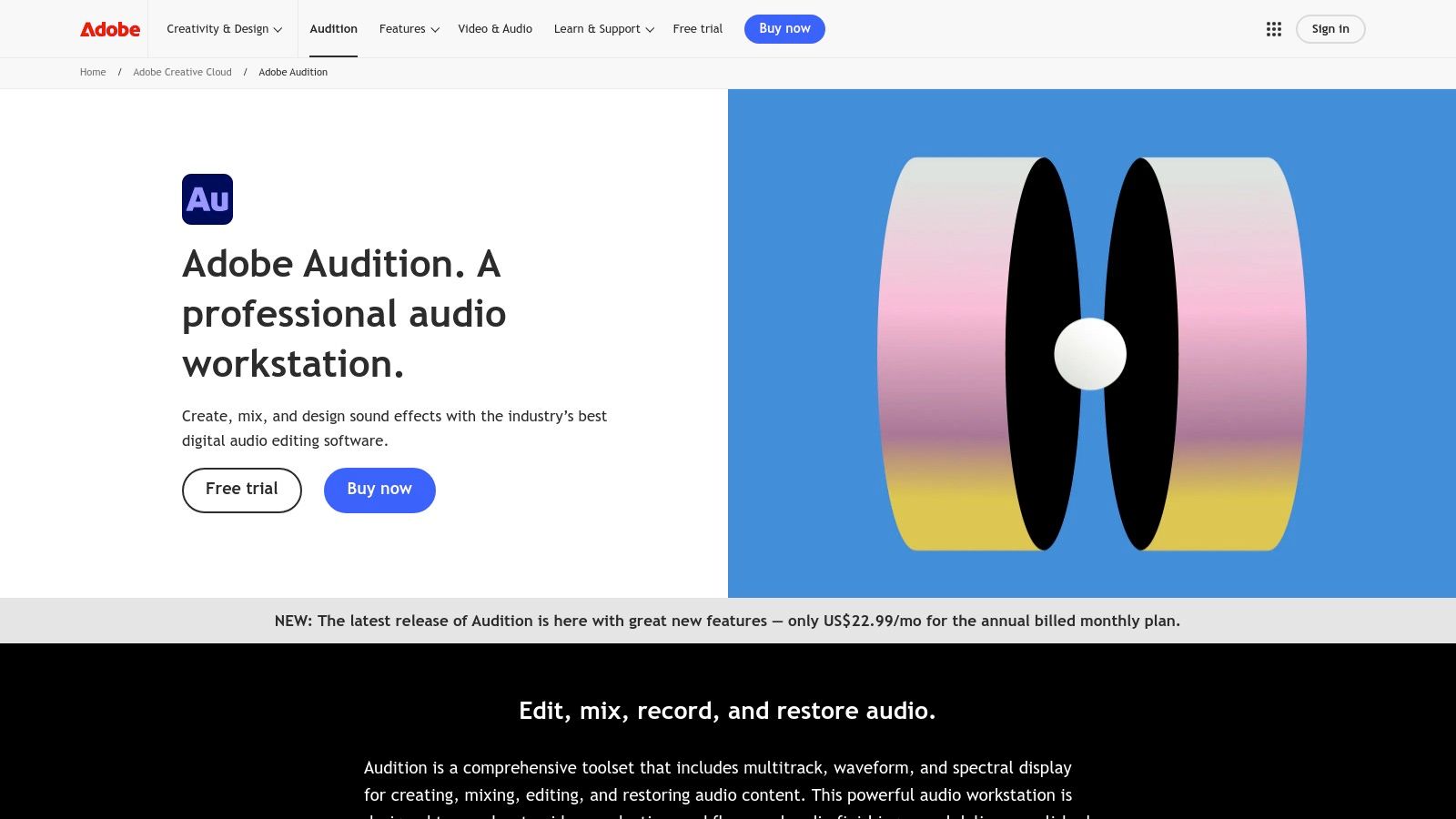
This platform excels in audio restoration and post-production, making it one of the best podcast editing software choices for creators aiming for broadcast-quality sound. The Essential Sound panel simplifies complex processes like noise reduction, equalization, and compression into easy-to-use presets. For video podcasters, Audition’s seamless integration with Adobe Premiere Pro is a significant advantage, allowing for a fluid workflow between audio and video editing without leaving the Adobe ecosystem. While it has a steeper learning curve, the depth of its features provides unparalleled control.
Key Features & Pricing
- Standout Features: Advanced multitrack, waveform, and spectral frequency editing; Essential Sound panel for guided mixing; powerful audio restoration tools; and seamless integration with the Adobe Creative Cloud suite.
- Pricing: Audition is available through a subscription model. It can be purchased as a single app for $22.99/month (billed annually) or as part of the Creative Cloud All Apps plan, which starts at $59.99/month (billed annually).
- Best For: Professional audio engineers, video podcasters, and creators who need advanced audio restoration and a high-degree of creative control.
Pros and Cons
Pros:
- Industry-Standard Tools: Offers a comprehensive suite of professional restoration and mixing tools.
- Seamless Integration: Flawless workflow with Adobe video applications like Premiere Pro.
- Extensive Resources: Backed by a vast library of official tutorials and community support.
Cons:
- Subscription Only: No perpetual license option, requiring an ongoing monthly or annual commitment.
- Steeper Learning Curve: Its professional feature set can be intimidating for beginners.
3. Adobe Podcast (web)
Adobe Podcast is a powerful, browser-based suite of AI-powered audio tools designed to simplify recording and cleanup. Instead of a traditional timeline, it offers a collection of focused, automated functions, with its "Enhance Speech" feature being the main attraction. This tool uses AI to remove background noise, de-reverb rooms, and balance frequencies, making poorly recorded audio sound as if it were captured in a professional studio. It's an excellent solution for podcasters who need a quick, high-quality fix without diving into a complex digital audio workstation (DAW).
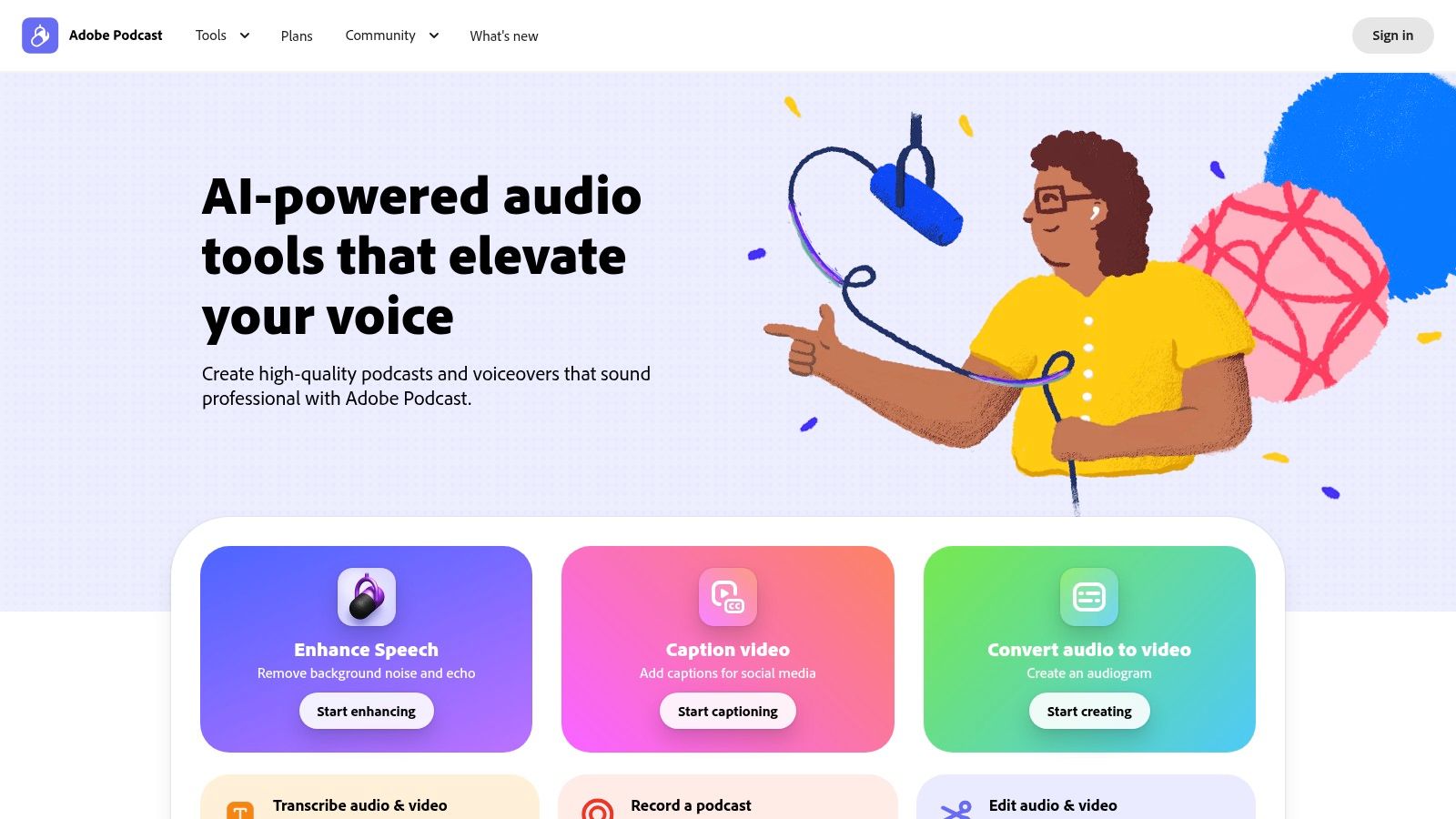
The platform is not a full-featured editor but rather a crucial pre-editing or post-production utility. You can record remotely with multiple guests in its "Studio" feature, which saves each speaker to a separate track for easier mixing later. While it lacks the intricate editing capabilities of a full DAW, its focused approach makes it one of the best podcast editing software companions for automated audio enhancement. The simple drag-and-drop interface delivers impressive results in minutes, saving significant time on manual noise reduction and equalization.
Key Features & Pricing
- Standout Features: AI-powered Enhance Speech for noise and echo removal, remote recording Studio with separate track downloads, automatic transcription, and basic text-based editing.
- Pricing: Offers a generous free plan with up to 1 hour of enhancement per day (30-minute max file length). The Premium plan costs $9.99/month and increases limits to 4 hours per day (4-hour max file length) with bulk uploading.
- Best For: Podcasters of all levels seeking a fast, automated way to clean up audio, and teams needing a simple tool for high-quality remote recordings.
Pros and Cons
Pros:
- Incredible Audio Cleanup: Enhance Speech AI is exceptionally effective at repairing poor-quality audio.
- Simple Workflow: The browser-based interface is intuitive and requires no technical expertise.
- Excellent Companion Tool: Integrates seamlessly into workflows with more advanced DAWs like Adobe Audition.
Cons:
- Not a Full Editor: Lacks multitrack mixing, advanced effects, and timeline-based editing features.
- Usage Limits: The free plan has daily and file-length limits, requiring a subscription for heavy users or longer content.
4. Hindenburg
Hindenburg is a professional-grade audio editor built from the ground up for journalists, broadcasters, and podcasters who focus on narrative storytelling. Its workflow is optimized for spoken-word production, moving away from complex music production tools to deliver a clean, story-centric interface. The software automatically handles technical aspects like loudness levels, allowing creators to concentrate purely on their content and narrative structure without needing a background in audio engineering. This makes it one of the best podcast editing software choices for producers who value speed and consistency.
Hindenburg's standout "Magic Levels" feature automatically sets and adjusts voice levels to broadcast standards, which significantly cuts down on post-production time. The platform also offers manuscript-style editing through an optional transcription add-on, letting you edit your audio by editing text. This approach, combined with its robust, uncluttered DAW-like environment, provides a powerful hybrid workflow. Its focus is on making professional audio production accessible and efficient for storytellers.
Key Features & Pricing
- Standout Features: Story-centric interface, automatic loudness normalization (Magic Levels), manuscript editing (with transcription add-on), non-destructive editing, and direct publishing to podcast hosts.
- Pricing: Hindenburg offers several tiers, including Lite at $12/month, Pro at $16/month (billed annually) which includes transcription hours, and perpetual licenses. Transcription is available as add-on credit packs.
- Best For: Narrative podcasters, journalists, audiobook producers, and creators who need broadcast-standard audio without a steep learning curve.
Pros and Cons
Pros:
- Spoken-Word Focus: The entire toolset is designed to speed up voice-based editing.
- Automatic Leveling: Magic Levels and loudness normalization save significant time on mixing and mastering.
- Clean Interface: Uncluttered and intuitive, avoiding the feature overload of traditional DAWs.
Cons:
- Niche Focus: Lacks the advanced music production and MIDI features found in more versatile DAWs.
- Add-On Costs: Key features like transcription are tied to separate credit packs, adding to the overall cost.
5. Auphonic
Auphonic isn't a traditional editor but an automated audio post-production web service that acts as the perfect final step in your workflow. Instead of manually adjusting levels or fighting background noise, you upload your final audio file, and its AI-powered algorithms handle leveling, loudness normalization to broadcast standards (like LUFS), and noise reduction automatically. This makes it an essential tool for podcasters who want to achieve a professional, consistent sound without deep-diving into the complexities of audio engineering.
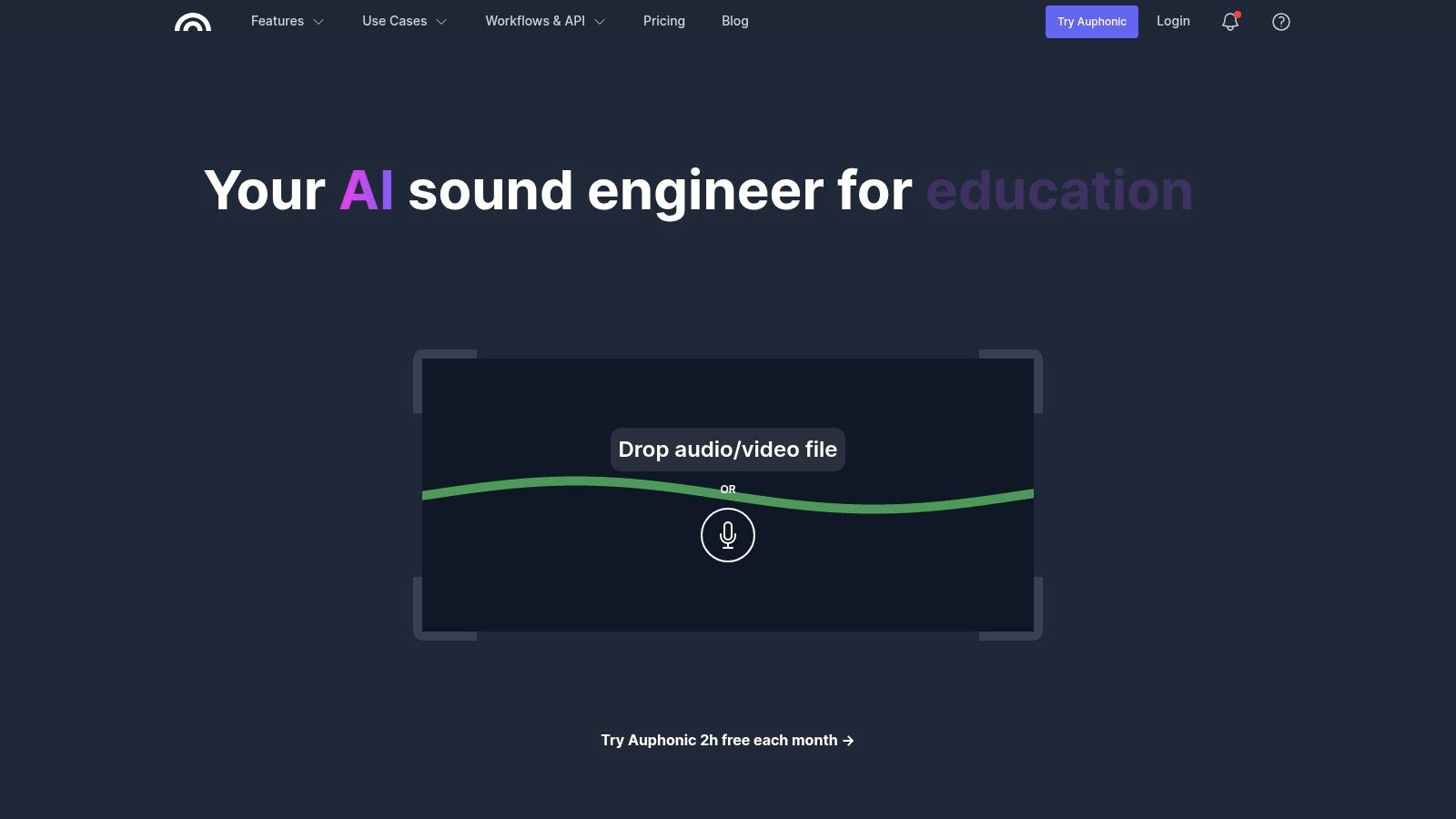
The platform is designed to work with any digital audio workstation (DAW) or editor. You perform your creative edits in your preferred software, export the file, and then run it through Auphonic for the final polish. Its Intelligent Leveler balances sound between different speakers, music, and segments, ensuring a smooth listening experience. This automated mastering makes it one of the best podcast editing software companions for creators who need reliable, high-quality audio output every single time.
Key Features & Pricing
- Standout Features: Intelligent Leveler for audio balancing, adaptive noise and reverb reduction, automatic loudness normalization (LUFS), and multitrack processing.
- Pricing: Offers a free plan with 2 hours of processed audio per month. Paid plans operate on a credits model, starting at $11 for 9 hours of audio (9 Credits). Larger, recurring credit packages are available for a lower per-hour cost.
- Best For: Podcasters of all levels who want to automate the final audio mastering and polishing stage to ensure professional, broadcast-ready quality.
Pros and Cons
Pros:
- Saves Significant Time: Automates the tedious process of leveling and loudness normalization.
- Works With Any DAW: Integrates seamlessly into any existing editing workflow.
- Easy for Non-Engineers: Delivers professional results without requiring technical audio skills.
Cons:
- Not a Standalone Editor: It complements an existing editor; it doesn't replace it for structural edits.
- Credit Consumption: Processing multitrack files consumes credits for each track, which can become costly for complex productions.
6. Alitu
Alitu is designed to be an all-in-one podcasting solution, aiming to take creators from recording to publishing within a single, simplified platform. It automates many of the technical aspects of production, such as audio cleanup and leveling, making it one of the best podcast editing software choices for beginners or those who want to minimize time spent on post-production. The workflow is built for speed: record directly in Alitu (or upload your files), let its automated tools polish the audio, and then use its simple editor to assemble your episode.
The platform stands out by bundling recording, editing, and hosting together, removing the need to juggle multiple subscriptions and tools. Its automated "Magic Filters" handle noise reduction and volume consistency with a single click, and the editor allows for both text-based and waveform editing to remove mistakes. Alitu also integrates AI tools to generate shownotes, chapters, and full transcripts, further streamlining the content creation process from start to finish. This focus on a complete, user-friendly system makes it a strong contender for podcasters prioritizing simplicity and efficiency.
Key Features & Pricing
- Standout Features: Automated audio cleanup (noise reduction, leveling), text-based and waveform editing, integrated podcast hosting, one-click publishing to major directories, and AI-powered shownotes and transcript generation.
- Pricing: Alitu offers a single, all-inclusive plan at $38/month or $380/year. It comes with a 7-day free trial and a 30-day money-back guarantee.
- Best For: Beginner podcasters, solo creators, and small businesses who want a single, easy-to-use tool for their entire podcasting workflow.
Pros and Cons
Pros:
- All-in-One Workflow: Drastically simplifies the podcast production process by combining recording, editing, and hosting.
- Beginner-Friendly: The user interface is clean and intuitive, with a very low learning curve.
- Automation Saves Time: Automated audio processing and AI content generation significantly cut down on manual editing and writing tasks.
Cons:
- Limited Editing Control: Lacks the deep, precise editing tools found in professional Digital Audio Workstations (DAWs).
- Hosting Limitations: The included hosting has a 1,000 downloads per month threshold, which may require an upgrade for more established podcasts.
7. REAPER (Cockos)
REAPER stands for Rapid Environment for Audio Prototyping, Engineering, and Recording, and it delivers a professional-grade digital audio workstation (DAW) experience at an almost unbelievable price point. It is a fully-featured multitrack audio and MIDI recording, editing, and mixing environment loved by audio professionals and hobbyists alike. While its interface may seem intimidating to absolute beginners, its power lies in its extreme customizability and lightweight performance, making it one of the best podcast editing software choices for those who want total control over their workflow.
Unlike subscription-based models, REAPER offers a generous 60-day full-feature trial, after which a one-time perpetual license provides years of free updates. Its true strength for podcasters is its vast ecosystem of community-driven scripts and extensions (like SWS/S&M and ReaPack), which allow you to automate complex editing tasks, build custom macros for repetitive actions, and essentially design a DAW that works exactly how you want it to. This makes it an ideal platform for technical-minded creators who enjoy building efficient, personalized systems for producing high-quality audio.
Key Features & Pricing
- Standout Features: Full multitrack recording and mixing, extensive routing capabilities, deep customization with themes and layouts, powerful scripting engine (ReaScript), and a massive library of community extensions.
- Pricing: A 60-day, fully functional free trial is available. A Discounted License for personal use or small businesses is a one-time fee of $60. A Commercial License is $225. Both include free updates through the next full version number.
- Best For: Technical podcasters, audio engineers, and budget-conscious creators who want a powerful, endlessly customizable DAW without recurring fees.
Pros and Cons
Pros:
- Extremely Affordable: The one-time license fee is a fraction of the cost of competing professional DAWs.
- Highly Customizable: Users can tailor almost every aspect of the interface, workflow, and key commands.
- Lightweight Performance: Runs efficiently on modest hardware and has a small installation footprint.
Cons:
- Steep Learning Curve: The interface and setup can be overwhelming for those new to audio production.
- Fewer Built-in Helpers: Lacks the one-click AI features for noise or filler-word removal found in newer platforms.
8. Audacity
Audacity is the quintessential free, open-source audio editor that has served as the entry point for countless podcasters. It provides all the fundamental tools for recording, editing, and mixing audio across Windows, macOS, and Linux. While it lacks the sleek, modern interface of its paid competitors, its power lies in its simplicity and accessibility, offering a robust multitrack editor that is more than sufficient for many podcasting workflows. For new creators, it represents a no-risk way to learn the basics of audio production.
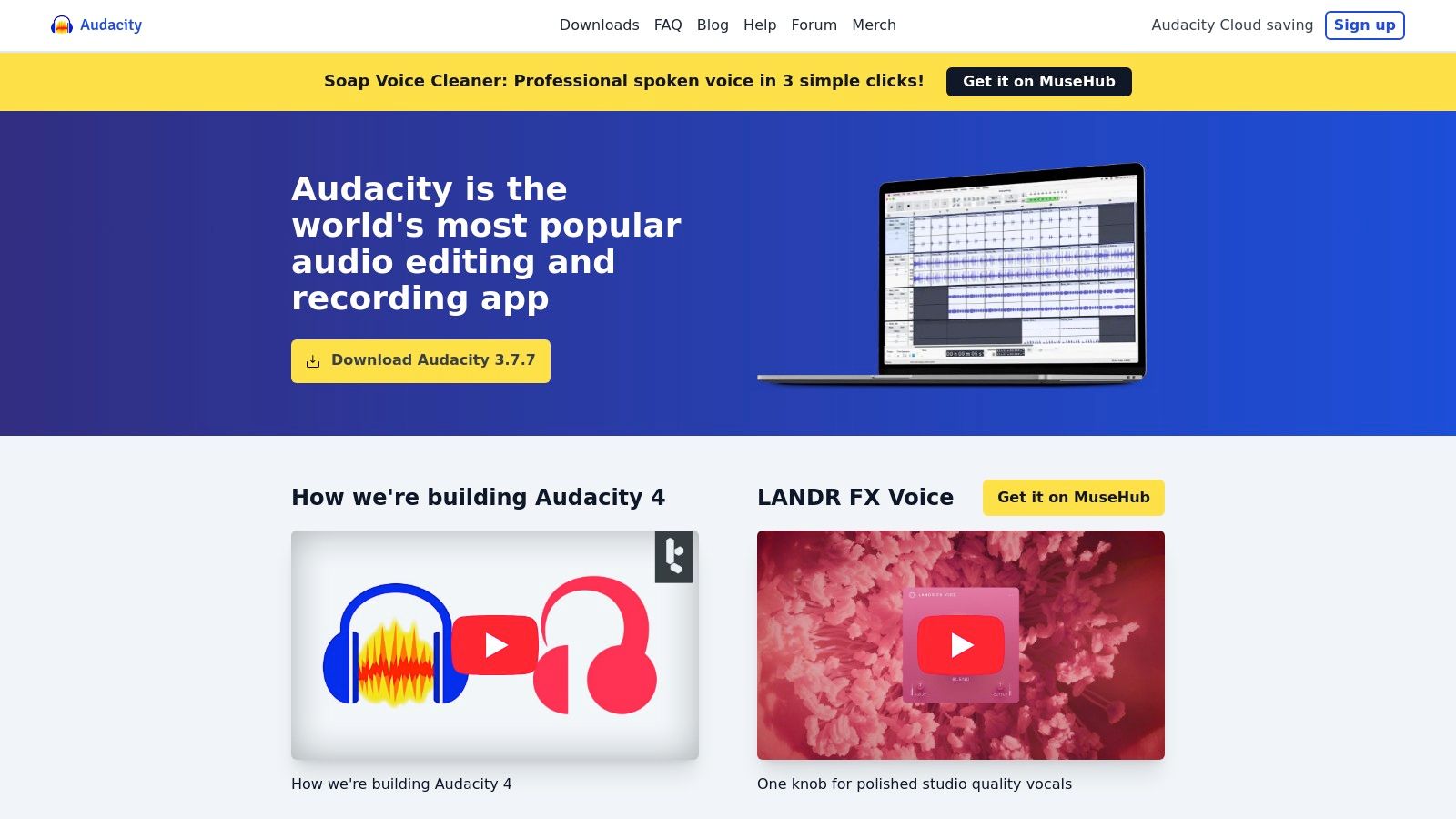
This platform excels at core editing tasks like cutting silence, arranging clips, and applying basic effects such as noise reduction and equalization. Its straightforward approach makes it one of the best podcast editing software choices for those on a zero dollar budget. Because it's so widely used, there's a massive community-driven knowledge base of tutorials and forums to help solve nearly any problem. Audacity is also a great companion tool for more complex setups; for example, you can perform initial edits in Audacity before exporting the audio for more advanced processing. Mastering the basics here is a great first step before you learn how to record a podcast remotely.
Key Features & Pricing
- Standout Features: Multitrack recording and editing, built-in noise reduction and audio effects (compressor, EQ, limiter), support for VST3 and Nyquist plugins, and waveform analysis tools.
- Pricing: Completely free. Audacity is open-source software maintained by a community of volunteers.
- Best For: Beginners, hobbyist podcasters, and students who need a powerful, no-cost audio editor to get started.
Pros and Cons
Pros:
- No Cost: Completely free to download and use forever, with no hidden fees.
- Cross-Platform: Runs natively on Windows, macOS, and Linux, ensuring accessibility for all users.
- Extensive Community Support: A vast library of community-created tutorials and guides is available online.
Cons:
- Dated Interface: The user interface can feel clunky and less intuitive than modern DAWs.
- Limited Advanced Features: Lacks the sophisticated AI tools and streamlined workflows found in paid software.
- Security: Users must download directly from the official website to avoid unofficial, potentially unsafe versions.
9. iZotope RX (RX 11 / Audio Repair)
While not a traditional DAW for assembling podcast episodes, iZotope RX is an indispensable tool in the audio post-production world. It functions as an industry-leading audio repair suite, designed to rescue problematic recordings that other software can't fix. Think of it as a surgical toolset for your audio; when you encounter distracting background noise, harsh plosives, mouth clicks, or overwhelming room reverb, RX provides dedicated modules to intelligently remove these imperfections without damaging the core vocal performance. It's often considered the secret weapon for achieving professional, broadcast-quality sound.
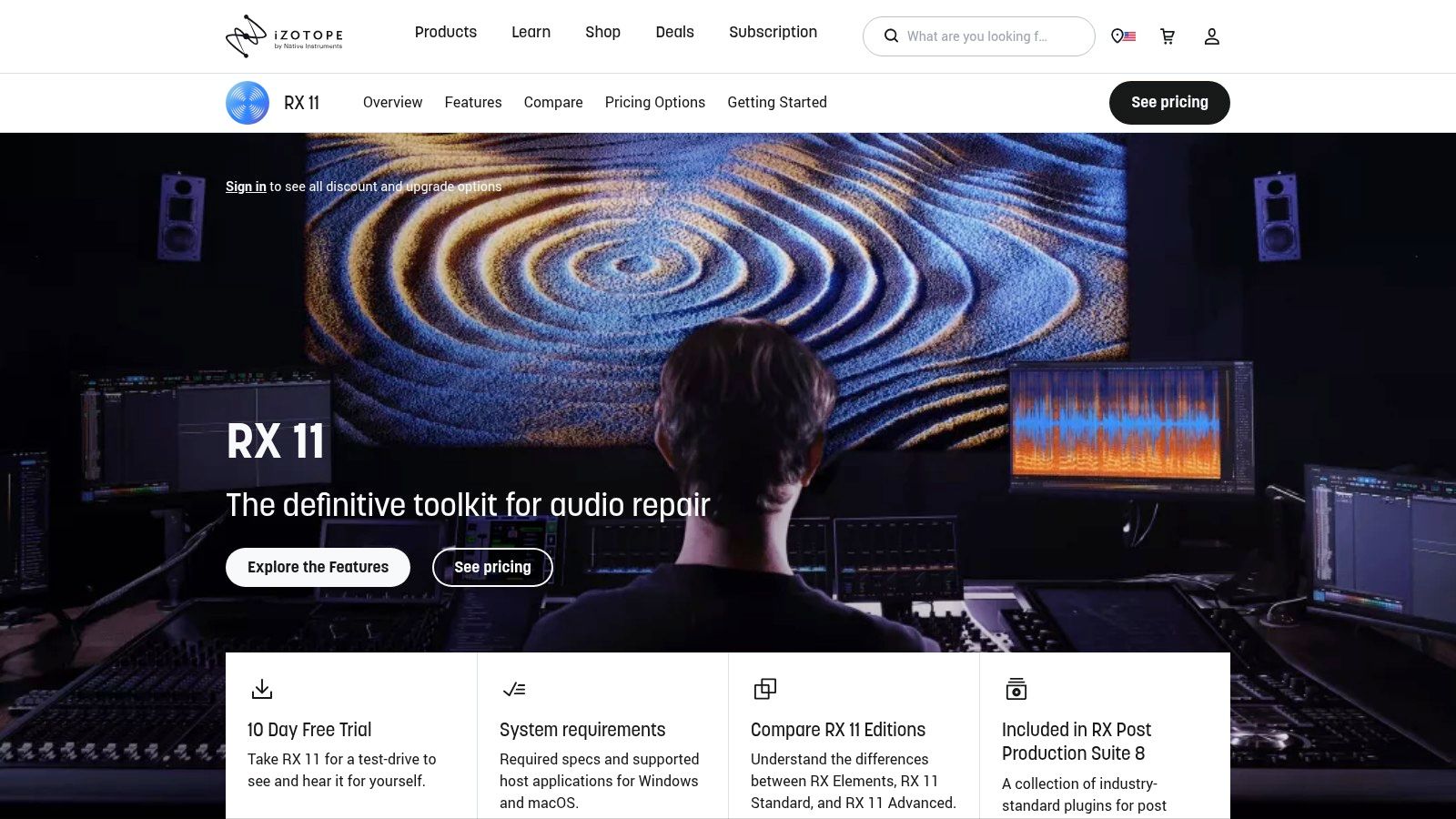
Many professional editors use iZotope RX as a plugin within their primary DAW (like Audition or Pro Tools) or as a standalone editor for deep, surgical fixes. Its powerful spectral editor allows you to visually identify and remove unwanted sounds like a cough or a siren with precision. For podcasters who record in less-than-ideal environments, the Dialogue Isolate and De-reverb modules can be game-changers, making it one of the best podcast editing software additions for serious audio cleanup.
Key Features & Pricing
- Standout Features: Standalone audio editor and plugins (AU/VST/AAX), advanced modules for de-noise, de-click, de-reverb, and de-plosive, Dialogue Isolate, Ambience Match, and a powerful spectral editor.
- Pricing: RX comes in several tiers. RX 11 Elements starts at $129, RX 11 Standard is $399, and RX 11 Advanced is $1,199. Subscriptions are also available through iZotope Music Production Suite Pro for $24.99/month.
- Best For: Audio engineers, professional podcast editors, and creators who need to salvage and restore poor-quality or damaged audio recordings.
Pros and Cons
Pros:
- Unmatched Audio Repair: The industry standard for cleaning up dialogue and removing unwanted noise.
- Flexible Workflow: Can be used as a standalone application or as a suite of plugins within any major DAW.
- Powerful Spectral Editing: Offers precise, visual control for removing isolated sounds.
Cons:
- Steep Learning Curve: The advanced tools, particularly the spectral editor, require practice to master.
- High Cost: The Standard and Advanced versions represent a significant investment for hobbyists or beginners.
10. Avid Pro Tools
Avid Pro Tools is the industry-standard digital audio workstation (DAW) trusted for decades in professional music production and film post-production. While its power can be overkill for simple narrative podcasts, its robust architecture makes it one of the best podcast editing software choices for complex, high-production-value shows, especially those produced in a professional studio environment. Its mature engine provides unparalleled stability and precision for intricate mixing, routing, and mastering tasks.
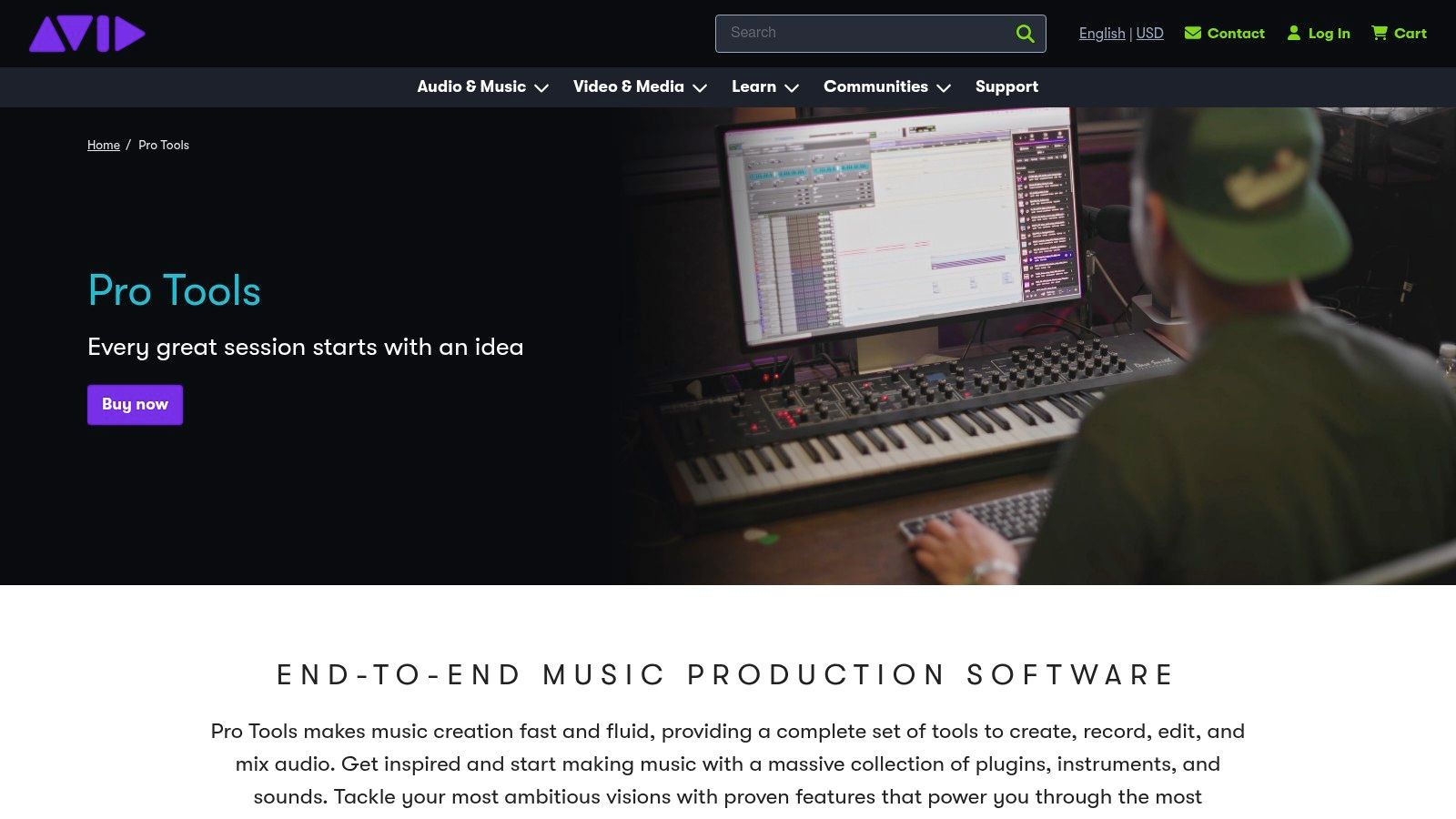
For podcasters who work with experienced audio engineers or in agency settings, Pro Tools offers a familiar and powerful environment. It excels at managing shows with multiple hosts, sound effects, musical scores, and sophisticated processing chains. The vast ecosystem of AAX plugins and extensive hardware and control surface support allow for a deeply customized and efficient workflow that can handle the most demanding audio projects, from immersive Dolby Atmos mixes to broadcast-ready loudness compliance.
Key Features & Pricing
- Standout Features: Industry-standard audio engine, comprehensive multitrack mixing and editing, extensive AAX plugin support, advanced routing and automation, and broad compatibility with professional audio hardware.
- Pricing: Pro Tools is available via subscription. Artist is $9.99/month, Studio is $29.99/month, and the top-tier Ultimate is $99.99/month. Perpetual licenses are also available.
- Best For: Professional audio engineers, high-end podcast production studios, and podcasters requiring complex mixing, sound design, or integration with video post-production workflows.
Pros and Cons
Pros:
- Unmatched Power: A mature, reliable engine capable of handling extremely complex projects with precision.
- Industry Standard: Many audio professionals are already proficient in Pro Tools, simplifying collaboration.
- Extensive Ecosystem: Wide support for third-party plugins and professional hardware.
Cons:
- Steep Learning Curve: Can be intimidating and overly complex for beginners or simple dialogue editing.
- Subscription Cost: The recurring subscription can be expensive compared to DAWs with one-time purchase options.
11. Apple Logic Pro
For creators deeply embedded in the Apple ecosystem, Logic Pro is a professional-grade Digital Audio Workstation (DAW) that offers immense power for a one-time price. While it’s renowned for music production, its sophisticated suite of editing, mixing, and mastering tools makes it a top-tier choice for podcasters seeking advanced audio control. The interface is more complex than beginner-focused apps, but it rewards users with unparalleled creative freedom, from surgical noise reduction to intricate sound design.
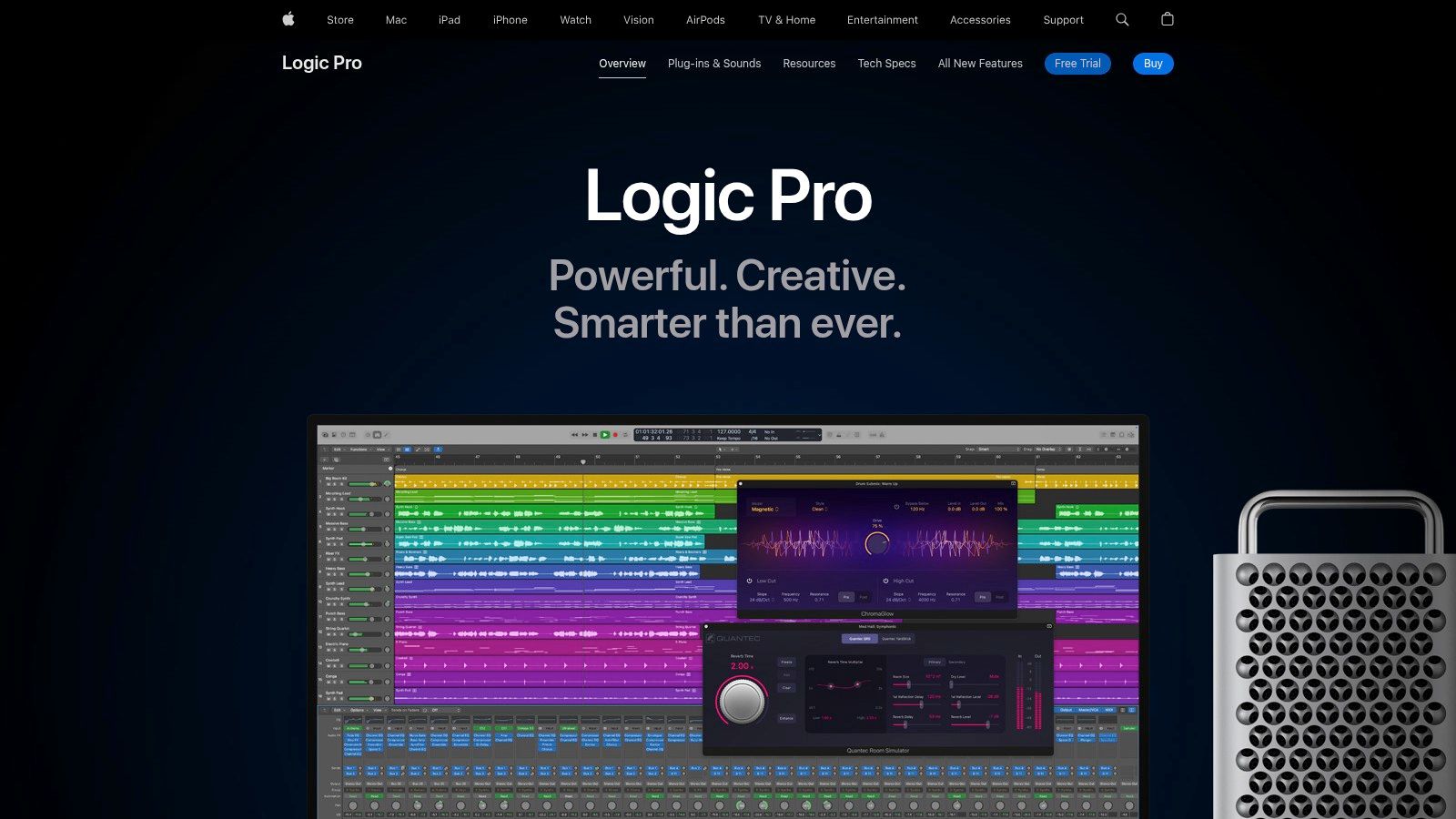
Logic Pro's strength lies in its comprehensive built-in plugin library, eliminating the need for many third-party purchases. Recent updates, optimized for Apple silicon, introduce AI-powered assistants and a Stem Splitter tool, which can separate mixed audio into distinct tracks for easier editing and mixing. This makes it one of the best podcast editing software options for producers who also handle music scoring or want a professional studio environment without recurring subscription fees.
Key Features & Pricing
- Standout Features: Professional-grade multitrack editing and mixing, a massive built-in library of plugins and sounds, Stem Splitter for audio separation, and seamless integration with Final Cut Pro.
- Pricing: A one-time purchase of $199.99 on the Mac App Store, which includes all future updates. A free 90-day trial is available.
- Best For: Mac-based podcasters, audio engineers, and creators who need advanced audio capabilities for both voice and music production.
Pros and Cons
Pros:
- One-Time Cost: Excellent value with no recurring subscription fees.
- Deep Functionality: Offers a full suite of professional tools for editing, mixing, and sound design.
- Apple Ecosystem Integration: Works flawlessly with other Apple hardware and software like Final Cut Pro.
Cons:
- macOS Only: Not available for Windows or other operating systems.
- Steep Learning Curve: Can be intimidating for beginners compared to simpler podcasting tools.
12. Riverside
Riverside is a premier browser-based platform designed for capturing high-quality remote interviews. It excels by recording separate, local audio and video tracks for each participant, ensuring "double-ender" quality that isn't compromised by internet instability. While many podcasters use it to capture pristine source files before exporting them to a traditional DAW for polishing, Riverside also offers a robust suite of built-in editing tools, making it a strong contender as an all-in-one podcast editing software solution.
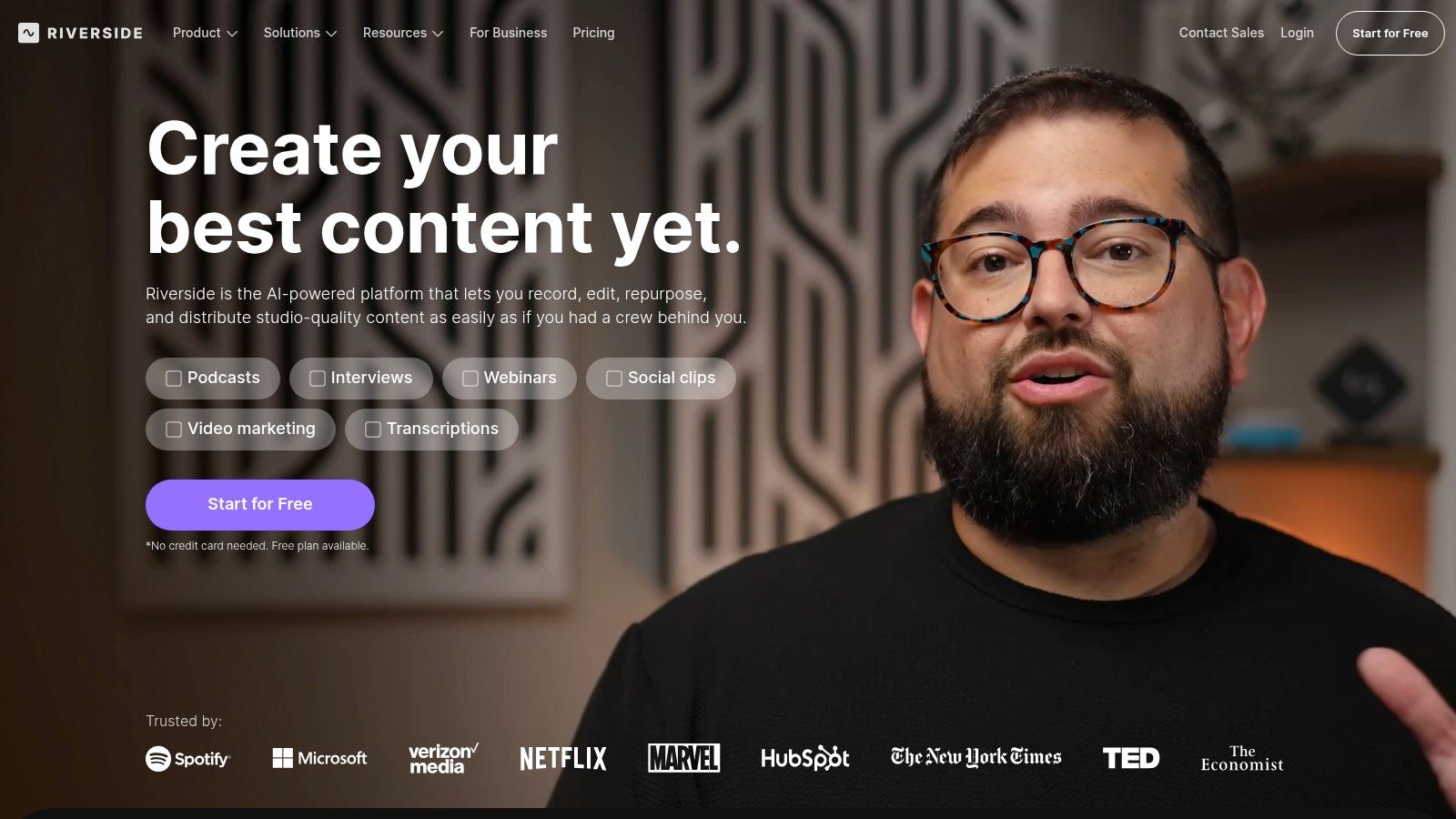
The platform includes a text-based editor that works similarly to Descript, allowing you to edit your recording by simply editing the transcript. This workflow is enhanced with AI tools like Magic Audio for one-click sound enhancement and Magic Clips to quickly generate social media content. For creators who prioritize remote recording quality and want an efficient way to edit and repurpose interviews, Riverside offers a streamlined process from capture to promotion. You can further streamline your content creation using an AI podcast clip maker to efficiently turn your recordings into engaging short-form videos.
Key Features & Pricing
- Standout Features: Local separate audio/video tracks (up to 4K video and 48kHz audio), browser-based recording, text-based editing, AI Magic Audio, automatic transcription and show notes, and social clip creation.
- Pricing: Offers a free plan with watermarked recordings and limited separate track recording. Paid plans start with Standard at $15/month (billed annually) for 5 hours of recording, and Pro at $24/month for 15 hours. Business plans offer advanced features for teams.
- Best For: Interview-based podcasters, video creators, and teams who need reliable, high-fidelity remote recording and a fast editing workflow.
Pros and Cons
Pros:
- Reliable Remote Recording: The double-ender recording method is the industry standard for clear, drift-free interviews.
- Integrated Workflow: Seamlessly moves from recording to editing and clip creation within one platform.
- Scalable Plans: The tier structure accommodates everyone from hobbyists to large production teams with producer features.
Cons:
- Metered Recording Hours: Free and lower-tier plans have recording limits that may be restrictive for frequent producers.
- Requires Final Polish: While the built-in tools are great, audio professionals often export tracks for a final mix in a dedicated DAW.
Quick Comparison: The Best Podcast Editing Software
Beyond Editing: Turn Your Polished Audio into Growth
Editing is just one piece of the puzzle. Once your episode is polished, the real work of promotion begins. The most successful creators don't just publish an episode and wait; they turn it into a dozen pieces of content to share across social media.
Manually finding highlights, clipping them, adding captions, and formatting them for each platform is a massive time sink. This is where your workflow can break down.
Instead of doing it all by hand, let AI handle the heavy lifting. Flowjin is an AI-powered repurposing tool for busy creators that automatically finds the most engaging moments in your finished podcast episodes and turns them into shareable social media clips.
Just upload your audio or video file, and Flowjin delivers ready-to-post clips with animated captions and branded templates. It’s the fastest way to get more value from the content you already spent hours creating.
meta_title: 12 Best Podcast Editing Software in 2024 (For All Levels)
meta_description: Find the best podcast editing software for your needs. We review the top 12 tools for beginners and pros, comparing AI features, ease of use, and pricing.
slug: best-podcast-editing-software
internal_links_suggestions:
.png)