Table of Contents
If you create long-form content like podcasts or webinars, you're sitting on a goldmine of potential social media clips. An AI video clipping tool is the fastest way to turn those long recordings into dozens of short, shareable videos for TikTok, Reels, and Shorts—without spending hours in an editing timeline.
Success means transforming one long video into a week's worth of content in just a few clicks. You get a steady stream of high-quality clips to keep your audience engaged, all while freeing up your time for more important work.
This guide will show you exactly how to choose the right tool and build a repeatable workflow to multiply your content output, fast.
What Is an AI Video Clipping Tool?
An AI video clipping tool is an automated software that scans your long-form videos (like podcasts or webinars) and automatically identifies the most engaging moments to turn into short clips.
Instead of you manually scrubbing through timelines, the AI analyzes the video's transcript to find powerful quotes, key takeaways, and interesting questions that are perfect for social media.
The goal is simple: turn one long recording into a steady stream of short, impactful clips designed for platforms where you only have seconds to make an impression. It automates the most time-consuming parts of video repurposing so you can create more content with less effort.
Core Features of the Best AI Video Clipping Tools
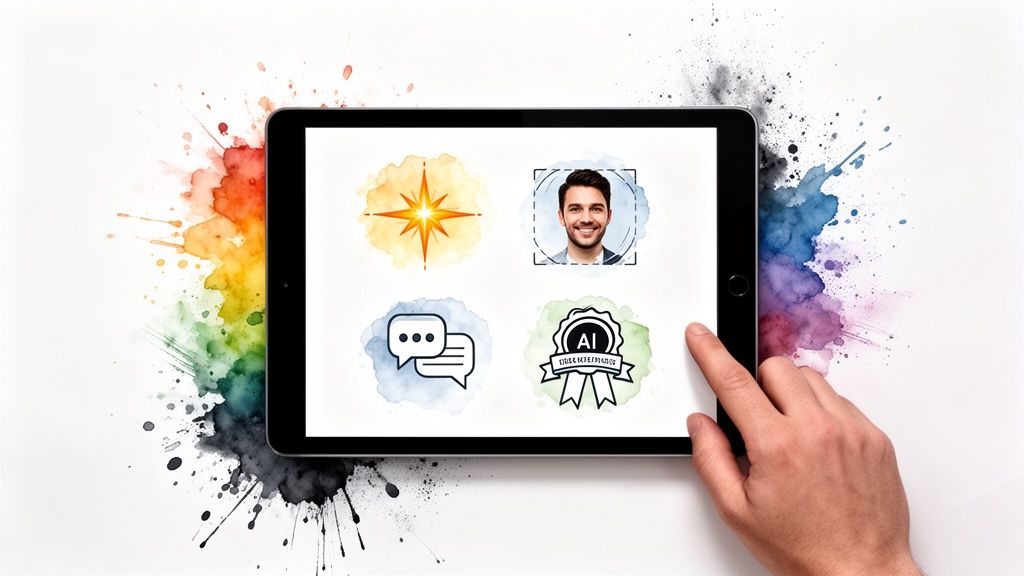
The magic of an AI video clipping tool is a suite of smart features working together to automate your workflow. These are the non-negotiable capabilities that solve the most tedious parts of video repurposing.
AI Highlight Detection
This is the engine of any good AI video clipping tool. The AI reads the entire transcript and flags parts most likely to resonate with a social media audience. It's trained to spot patterns that signal high-value content, like questions, lists, and key topic changes.
This feature turns the most mind-numbing part of the process into a simple review. The AI serves up a list of potential clips, and you just give the final approval.
Smart Cropping and Speaker Tracking
Your podcast or webinar was likely shot in a horizontal format, which looks tiny on platforms like TikTok.
Smart cropping automatically reframes your video for a vertical screen, and speaker tracking ensures the person talking stays perfectly centered. You get a polished, dynamic look without touching an editing program.
Automated Transcription and Captions
Videos with captions get more engagement, especially since many people scroll with the sound off. Manually creating captions is a slow, painful task.
A solid AI clipping tool generates a transcript and then burns stylish, animated captions directly onto your video clips, making your content more accessible and scroll-stopping.
Branded Templates and Overlays
Brand consistency is key on social media. The best tools let you build and save branded templates that you can apply to any clip with a single click.
This means you can automatically add elements like:
- Your logo
- Custom colors and fonts
- Intro/outro bumpers
- Progress bars to keep people watching
This feature elevates your content from a series of one-off clips to a cohesive, professional campaign.
How to Choose the Right AI Video Clipping Tool
With more tools available, picking the right one comes down to a few key factors. The best tool should feel like a natural part of your workflow and genuinely save you time.
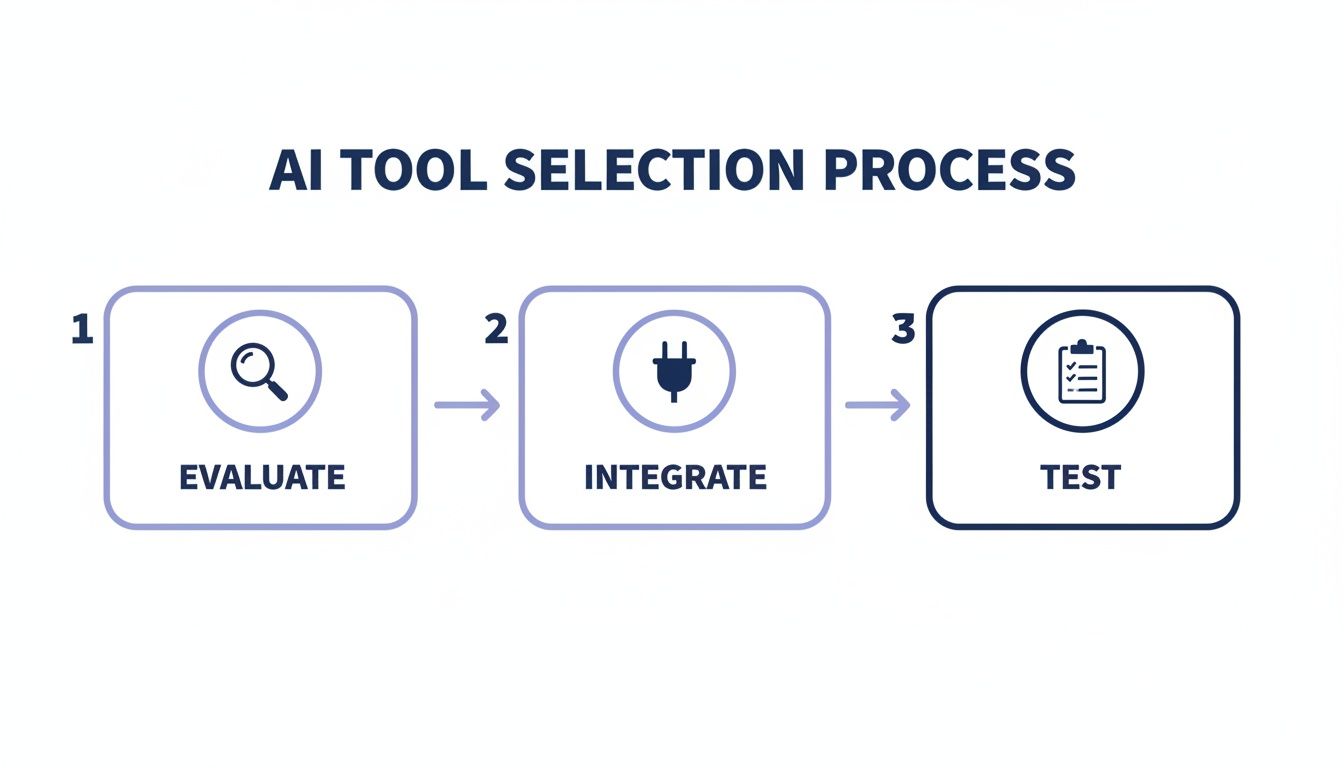
Focus on these criteria to find the right fit for your needs.
How to Choose Checklist
Quick Recommendations
- For Creators Repurposing Podcasts/Webinars from YouTube: Flowjin is an AI video clipping tool for busy creators and marketers that turns long-form audio and video into a month of social content in minutes. Its direct YouTube integration and AI-powered workflow make it incredibly fast. As an AI YouTube Shorts maker, it streamlines the entire process from link to finished clip.
- For Teams Needing Advanced Features: For larger teams needing more complex editing or collaboration features, a tool like Descript might be a good fit, although it involves a steeper learning curve.
- For Quick, Simple Clips: If you just need to generate clips with minimal branding, a tool like shortgenius can also get the job done.
Your Step-by-Step AI Clipping Workflow (Using Flowjin)
Knowing what these tools do is one thing, but putting an AI video clipping tool to work is where you’ll feel the difference. A repeatable workflow is what turns content repurposing from a chore into a growth strategy.
Let's walk through the process using Flowjin.
Step 1: Import Your Long-Form Content
First, get your source material into the system. With a tool like Flowjin, you can:
- Paste a YouTube Link: If your content is on YouTube, just paste the video link. Flowjin pulls the content directly, saving you time and bandwidth. This is the fastest way to get started.
- Upload a File: If your content isn't on YouTube, upload the video or audio file from your computer.
Once imported, Flowjin's AI starts transcribing the entire recording. For a detailed walkthrough, see our guide on how to get clips from YouTube videos.
Step 2: Review AI-Generated Clip Suggestions
Instead of you hunting for good moments, Flowjin’s AI analyzes the transcript and pinpoints the most compelling clips for you.
You’ll get a dashboard with a list of suggested clips, each with a generated title and a piece of the transcript. This turns the painful task of finding highlights into a simple review process.
This automated discovery can shrink the time it takes to find shareable moments from hours to minutes.
Step 3: Edit and Brand Your Clips
Once you've picked your favorite AI suggestions, add your brand's personality. The goal is to make quick, high-impact edits without a complicated editor.
Inside Flowjin’s editor, you can:
- Trim or Extend: Easily adjust the clip's start and end points.
- Apply Brand Templates: With one click, add your logo, brand colors, and custom overlays for a consistent look.
- Add Animated Captions: Choose from different styles to grab attention.
- Change Aspect Ratio: Instantly reformat your video to vertical (9:16) for TikTok/Reels or square (1:1) for Instagram/LinkedIn.
Step 4: Generate Copy and Schedule
The final step is getting your new content out into the world. A great AI video clipping tool helps with distribution, too.
Flowjin's AI can generate platform-specific copy for each clip, including titles, descriptions, and relevant hashtags.
From there, you can schedule your polished clips directly to your social accounts from the platform. You can turn one long-form video into a fully scheduled content calendar from a single dashboard.
Measuring the ROI of Your AI Video Strategy
Using an AI video clipping tool isn't just about saving time—it's an investment that should deliver clear results. To prove its worth, look beyond vanity metrics and focus on the return on investment (ROI) that impacts your business.
Key Metrics to Track
- Time Saved: Benchmark your old process. How many hours did it take to create one clip? Compare that to your new workflow. That reclaimed time can be reinvested into higher-value tasks.
- Content Output: How many quality clips are you publishing per week now versus before? It's common to see a 5x or 10x increase in output.
- Audience Engagement: Track metrics that show your content is connecting. Are you getting more comments, shares, and saves? These indicate you're building a relationship with your audience.
- Lead Generation: Every clip is a chance to drive traffic. Measure the click-through rate (CTR) from your social posts to your website. Are people taking the next step?
By connecting your content efforts to business outcomes, you build a powerful case for your AI tool. For a deeper look, our guide explains how to measure social media ROI effectively.
Frequently Asked Questions
Here are answers to the most common questions about using an AI video clipping tool.
How Accurate Is the AI at Finding Good Clips?
Surprisingly accurate. Modern AI uses advanced natural language processing (NLP) to understand the conversation. This means it can identify key takeaways, emotional high points, and genuinely interesting moments.
While no AI is perfect, top-tier tools like Flowjin get you 90% of the way there, delivering high-quality suggestions that need very little tweaking. The built-in editor lets you make quick final adjustments.
Can an AI Tool Replace a Human Video Editor?
For the specific job of pulling social media clips from long-form content, yes. An AI video clipping tool automates the most tedious parts—finding highlights, transcribing, adding captions, and resizing.
However, a human editor is still essential for complex, creative projects that require deep storytelling or intricate visual effects. The smartest workflow is a hybrid one: use an AI tool for high-volume social content and free up your human editors for high-impact projects.
What Content Works Best with AI Clipping Tools?
These tools work best with dialogue-heavy, long-form content where the value is in the spoken word.
Think of content like:
- Podcasts and interviews
- Webinars and panel discussions
- Keynote speeches and presentations
- Online courses and tutorials
If people are talking and sharing valuable information, you have the ideal raw material for an AI clipping workflow.
Ready to stop letting your best content die after one broadcast? Flowjin is the AI-powered platform designed to find your best moments, slap your branding on them, and even write your social posts in minutes. It's time to stop spending hours editing and start building a content engine that works for you.