Table of Contents
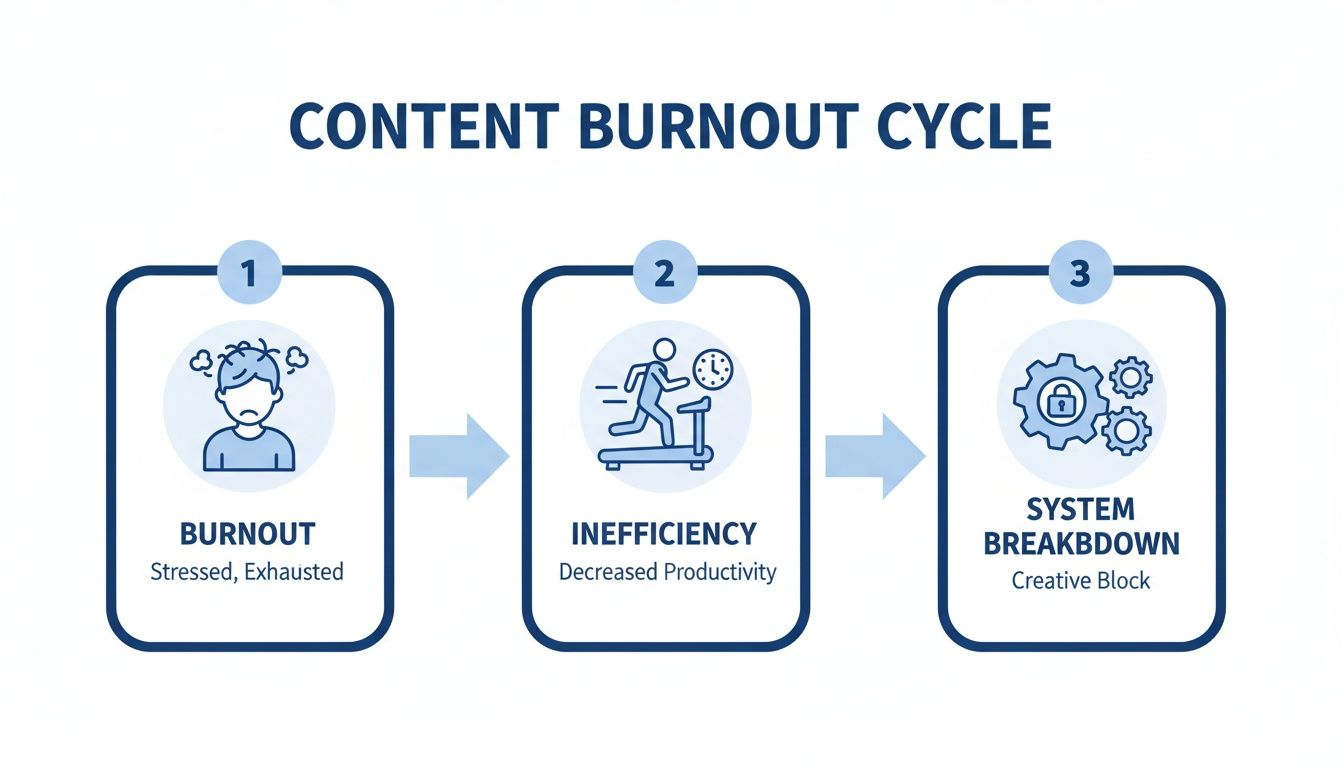
Posting on social media every day feels like a treadmill because your process is broken. For coaches and consultants trying to land clients on Instagram, the "create from scratch" daily scramble leads straight to burnout without generating consistent leads.
The real problem isn't a lack of ideas; it's the inefficient workflow of treating every single post as a one-off task. This guide provides a repeatable system to turn one long-form video into an entire week's worth of high-performing social media content, getting you off the hamster wheel for good.
The Repeatable Playbook to Generate Social Media Content
A sustainable system to generate social media content isn’t about finding more hours in the day. It’s about making the time you have count. The entire system is built on a simple premise: record once, publish for a week. We’ll take a single piece of long-form content—like a client Q&A, a webinar, or a podcast episode—and use it to fuel every post you need for the next seven days on Instagram and LinkedIn.
This is what it looks like to trade content burnout for a system that actually works. Inefficiency is the real enemy here, not a lack of ideas.
Let's break down the tactical steps to turn one hour of recording into a consistent, high-quality stream of social media content.
Step 1: Record With Repurposing in Mind
The quality of your final clips is determined long before you ever open an editing tool. It starts with the source material. You don’t need a professional studio, but a few small tweaks to how you record can make a world of difference.
Here's a quick checklist:
- Audio Is Everything: Use an external microphone. Even a basic USB or lavalier mic is a massive upgrade over your computer's built-in option. Bad audio makes people scroll instantly.
- Frame for Vertical: Since most clips will become Instagram Reels, frame your shot for a 9:16 aspect ratio. Sit centered with some breathing room above your head so you can be easily cropped without cutting off your face.
- Speak in Snippets: While the conversation should feel natural, try to make key points in self-contained thoughts. When you make a powerful statement, pause for a beat. This creates clean entry and exit points for clipping tools.
Pro Tip: Jot down a simple outline before you hit record. List 3-5 main questions or topics. This naturally creates distinct segments perfect for clipping later.
Step 2: Automate Clip Creation with Flowjin
With your long-form video in hand, the next phase is breaking it down into bite-sized, social-ready clips. This is where most people get stuck, spending hours manually scrubbing through timelines. Instead, a tool like Flowjin can automate 90% of this for you.
Here’s the Flowjin-first method:
- Import Your Video: Upload your file directly or paste a link from YouTube. Flowjin grabs the content and immediately generates a full transcript.
- Let AI Find the Gold: The platform’s AI scans the entire transcript to pinpoint the most compelling, shareable moments and automatically creates a series of short video clips based on these highlights.
- Apply Your Brand Templates: Flowjin automatically applies your pre-set branded templates. Your colors, fonts, and logo get added to every video, making your content instantly recognizable.
- Review and Refine: Scan through the AI-generated clips. You can easily trim a clip, extend it to add more context, or merge two related clips. This step is about making small tweaks, not starting from zero.
This process transforms hours of tedious editing into a task that takes just a few minutes. You’re left with a folder of polished, on-brand clips ready for the next step.
Step 3: Generate Platform-Specific Copy
Even a fantastic video can fall flat if the caption is an afterthought. Each social platform has its own vibe, and your copy needs to match. This is another spot where Flowjin automates the initial draft, creating tailored copy for each network.
For every video clip, the AI will generate:
- A compelling hook
- A descriptive title
- A detailed post body
- Relevant hashtags
Your job is simply to review the AI-generated copy and inject your own voice. Tweak the hook, add a personal story to the caption, or swap out a few hashtags. That final human touch is what makes the content feel authentic.
If you’re not using Flowjin, you can use a separate AI writer. Upload the transcript from your video clip and try prompts like:
- "Write 3 Instagram Reel hooks based on this transcript for an audience of business coaches."
- "Generate a LinkedIn post from this text. Include a call-to-action to book a discovery call."
- "Give me 5 relevant hashtags for a video about overcoming imposter syndrome for new consultants."
This entire system takes a single recording and turns it into a full week of high-impact content. By creating a repeatable process, you can finally get off the content treadmill.
5 Common Mistakes That Kill Your Engagement (And How to Fix Them)
Even with a killer workflow, a few small mistakes can tank your results. For coaches and consultants, engagement isn't just a vanity metric—it's how you find new clients. Here are the most common errors and their simple fixes.
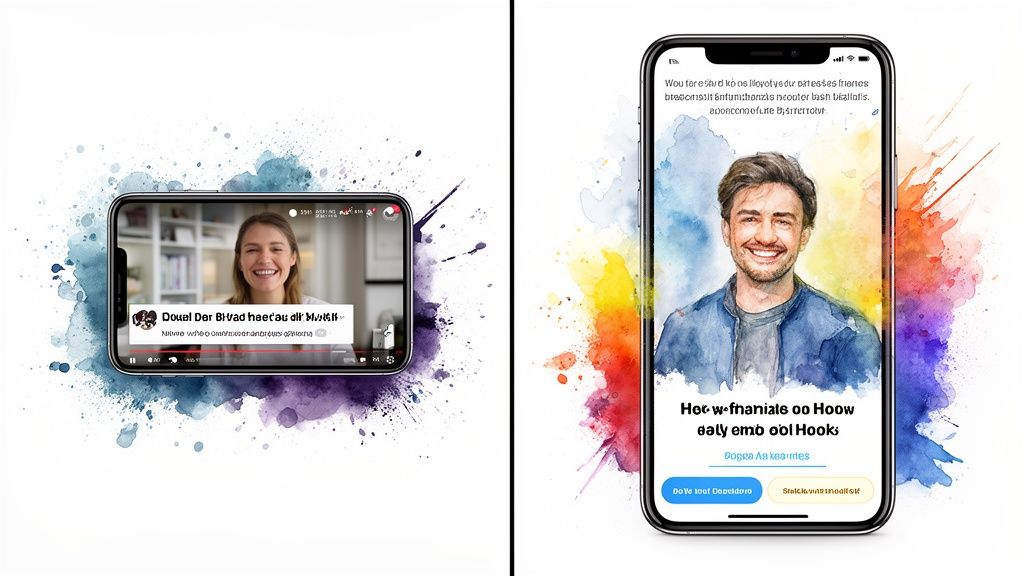
1. Weak Hooks That Fail to Stop the Scroll
You have less than three seconds to grab attention. Slow, low-energy intros get scrolled past every time.
- Before (Bad Hook): "Hi everyone, today I wanted to talk a little bit about pricing your services..."
- After (Good Hook): "Stop charging by the hour. Here are three pricing models every consultant should be using instead."
The Fix: Lead with your punchline. Use a negative frame ("Stop doing X") or ask a provocative question that targets a specific pain point.
2. Poor Video Framing and Composition
How your video looks is just as important as what you say. Unprofessional framing hurts your credibility.
- Before (Bad Framing): You're a tiny figure filmed horizontally from across a cluttered room.
- After (Good Framing): You're centered in a vertical 9:16 frame, close enough to see your expressions, with a clean background and light source in front of you.
The Fix: Get closer to the camera, center yourself in the frame, tidy your background, and face your main light source (like a window).
3. Inconsistent Pacing in Reels
Short-form video thrives on dynamic pacing. A slow monologue with no visual changes is boring and kills watch time.
- Before (Bad Pacing): A 60-second clip from a webinar with long pauses and no edits.
- After (Good Pacing): The same clip with pauses and filler words trimmed out (jump cuts), with animated text overlays emphasizing key points.
The Fix: Use jump cuts to create a faster rhythm. Add B-roll, stock footage, or text overlays to keep the visuals interesting.
4. Generic Captions with No Clear CTA
The video stops the scroll, but the caption drives the action. A huge mistake is ending your post without telling your audience what to do next.
- Before (Bad Caption): "Pricing is so important for consultants. #consulting #business"
- After (Good Caption): "I used to undercharge for years until I switched to value-based pricing. It completely changed my business. Which pricing model do you use? Let me know in the comments 👇"
The Fix: Tell a mini-story in the caption, ask a specific question, and always include a Call-to-Action (CTA).
5. Posting the Same Content Everywhere
Repurposing is smart; blindly cross-posting the exact same video and caption from Instagram to LinkedIn is lazy. Each platform has its own culture.
- Before (Bad Strategy): Posting a trending audio Reel on your professional LinkedIn profile.
- After (Good Strategy): Posting the Reel on Instagram, then taking the same video clip to LinkedIn with a longer, more thoughtful text-based caption that adds professional context.
The Fix: Adapt the copy, format (e.g., square video for LinkedIn), and hashtags for each platform.
A Simple Weekly Workflow You Can Steal
This schedule shows how to efficiently turn one long-form video into a complete week of social media posts.
By batching these tasks, you consolidate your content creation into just a few focused blocks of time each week, freeing you from the daily pressure to create something new.
Moving Beyond Video Clips to Maximize Your Content
A true content engine doesn’t just stop at video clips. To get the most out of every recording, you need to think beyond Reels and Shorts. Your long-form video is a goldmine of different assets that can fuel your entire social media presence for a week or more.
Repurposing isn’t just about efficiency; it’s about meeting your audience where they are with the format they prefer. Some people love video, others want to read insightful text, and many engage with eye-catching graphics. A multi-format strategy lets you connect with all of them.
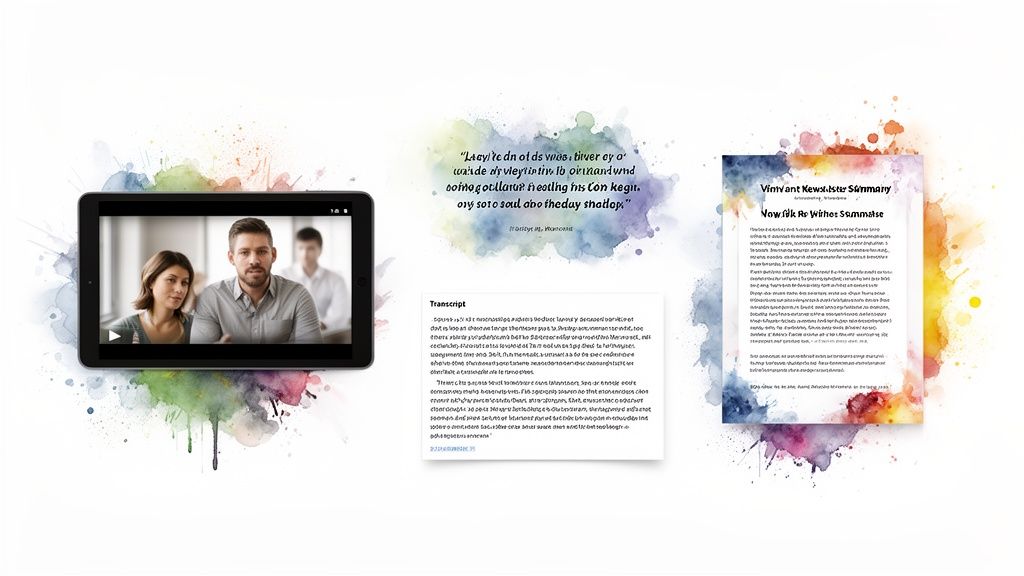
Turn Powerful Statements into Quote Graphics
During any webinar or Q&A, you're bound to say something powerful or memorable. These "aha!" moments are perfect for creating static quote graphics. Instead of manually designing them in another tool, Flowjin identifies these impactful statements directly from your transcript and automatically generates branded quote cards.
Here's how that works in Flowjin:
- Upload your video.
- Head over to the "Quotes" section.
- Review the powerful statements the AI has pulled out.
- Pick your favorite branded template and export the graphics.
These graphics are ideal for reinforcing key messages in Instagram carousels or as standalone LinkedIn posts.
Generate Ready-to-Post Written Content
Not all social media content needs to be a video. In fact, text-only posts are incredibly effective on platforms like LinkedIn. Your video transcript is the perfect raw material for this.
Flowjin doesn't just transcribe your video; it uses that text to generate social media content in written formats. It can pull a key idea and expand it into a full-fledged LinkedIn post, complete with a hook, bullet points, and a call-to-action.
A single 30-minute video transcript contains dozens of potential text posts. You can extract anecdotes, step-by-step instructions, or contrarian viewpoints, giving you a near-endless supply of written content.
This is a massive time-saver. Rather than staring at a blank page, you start with a well-structured draft based on words you’ve already said.
A Few Common Questions
Jumping into a new content system always brings up a few questions. Here are some of the most common ones from coaches and consultants.
How many posts can I realistically get from one video?
From a single 30-minute recording, a smart repurposing workflow should net you:
- 5-7 high-impact video clips (Reels/Shorts)
- 3-4 quote graphics (for carousels or standalone posts)
- 2-3 insightful text posts (for LinkedIn)
That’s more than enough for daily posting on your main channels.
What's the "right" length for social media videos?
Shorter is almost always better.
- Instagram Reels: Aim for 15-45 seconds.
- LinkedIn: The sweet spot is 30-90 seconds. Professionals will stick around a bit longer for real value, but you'll see a big drop-off after two minutes.
How do I stop AI-generated content from sounding like a robot?
Think of AI as your intern—it creates a solid first draft, but you add the final polish.
- Rewrite the Hook: Make the first sentence sound like you.
- Inject a Personal Story: Add a quick, relevant anecdote.
- Customize the CTA: Ditch the generic "learn more" for a specific call-to-action.
Do I really need a professional setup to record my content?
Absolutely not. All you genuinely need to get started is:
- Your smartphone: The camera is more than good enough.
- A decent microphone: Great audio is non-negotiable. A simple USB or lavalier mic makes a massive difference.
Remember, killer content is about the value you share, not the gear you use.
If you're already sitting on a library of long-form content like podcasts, webinars, or client calls, you can put this entire process on autopilot. Flowjin was built to turn those recordings into a steady stream of ready-to-post social content, saving you hours every single week.
.png)