Table of Contents
Knowing how to schedule social media posts isn't about filling a calendar—it's about creating a system that frees you from the daily content scramble. Success means having a predictable flow of quality posts engaging your audience, even when you're focused on other work. You'll no longer stare at a blank schedule wondering what to post.
This guide provides a simple, repeatable workflow for busy creators and marketers. We'll cover how to:
- Build a content library first by repurposing your core assets.
- Use a unified calendar to plan and automate your posts.
- Find the best times to post based on your own data.
- Avoid common mistakes that hurt engagement.
Let's build your content engine.
Step 1: Build Your Content Library Before You Schedule
The biggest mistake people make is trying to fill a calendar on the fly. You can't schedule what you don't have. The secret to effortless, consistent scheduling is to build a library of high-quality content before you think about timing.
Instead of asking, "What am I going to post today?" you'll have a backlog of valuable assets ready to go. This makes the actual scheduling part quick, simple, and far less stressful.
Turn One Video into a Week of Posts
Your best source material is probably something you've already created, like a podcast episode, webinar, or interview. Each one is a content goldmine.
The trick is to systematically break that one core piece down into dozens of smaller, social-ready assets.
A single one-hour webinar can become:
- 5-10 short video clips highlighting key insights or tips.
- 3-5 quote graphics pulling out powerful statements.
- A dozen written posts summarizing takeaways or sparking discussion.
This is where a smart tool saves you hours of tedious editing. Flowjin is an AI repurposing tool for creators and marketers that turns long-form video and audio into a library of social-ready short clips, complete with branded templates and AI-generated copy.
Create a Repeatable Repurposing System
Building your content engine is a weekly process, not a one-time task. A robust content engine needs a solid plan; learn how to create a social media content calendar that actually works to really streamline your efforts.
Here's a simple workflow:
- Record Core Content: Produce one long-form video or audio piece each week.
- Repurpose with AI: Upload it to Flowjin to automatically generate your social assets.
- Review and Refine: Quickly review the clips and posts, making any minor tweaks.
This three-step process ensures you’re never starting from scratch. With your assets ready, you can even use a specialized tool like Flowjin's AI-powered Tweet Generator to instantly whip up engaging posts from your content.
Step 2: How to Schedule Social Media Posts with a Unified Calendar
Once you have a content library, scheduling should be the easiest part of your week. The goal is to escape the frantic, platform-by-platform scramble and use a single dashboard to plan and automate everything.
This is where a unified calendar changes the game. A great first step, if you haven't already, is creating a content calendar. Think of it as your blueprint for keeping your content strategic and consistent.
The Workflow: From Library to Live Posts with Flowjin
With a tool like Flowjin, you can take your AI-generated clips, quotes, and text posts and schedule them across LinkedIn, X, TikTok, and Instagram without leaving the platform.
The heavy lifting is already done. Your assets are created and branded. Scheduling is just a matter of dragging and dropping them onto the calendar.
When you're ready to schedule in Flowjin:
- Go to your Library where all your repurposed clips are stored.
- Select the clip you want to post.
- Click "Publish" to open the scheduling tool.
- Choose the social platforms (LinkedIn, X, Instagram, TikTok, etc.).
- Review and edit the AI-generated copy for each platform.
- Pick your desired date and time, then hit "Schedule."
This simple, repeatable process turns a chaotic task into a calm, organized workflow. You can see how Flowjin integrated this powerful social publishing feature alongside other updates to make the whole workflow seamless.
Weekly Content Scheduling Template
This template helps you plan your content mix and maintain a consistent posting schedule.
Key Takeaway: The ultimate goal is to batch-schedule your content. Block out one hour on Monday to schedule everything for the week. This "set it and forget it" system keeps your brand active, even when you're busy.
Step 3: Find the Best Times to Post for Maximum Reach
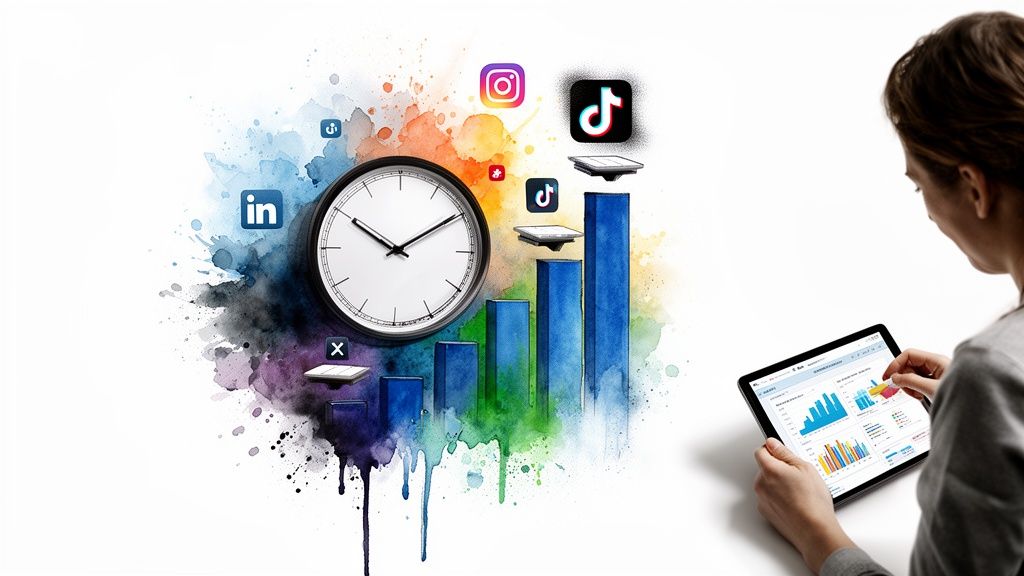
Scheduling for impact means posting when your audience is actually scrolling. Generic advice like "post on Tuesday at 10 AM" rarely works because your audience is unique. The best way to figure out when to schedule posts is to stop guessing and start using your own data.
Dig Into Your Analytics
Your most valuable insights are waiting in your social media analytics dashboards.
- Instagram Insights: Check the "Total followers" section for a breakdown of active times by day and hour.
- TikTok Analytics: The "Followers" tab pinpoints the hours your audience is most active.
- LinkedIn Analytics: Your company page "Analytics" shows when posts get the most impressions.
Look for patterns. Are your followers online during their lunch break? Are they more engaged on weekend evenings? Those are your golden hours.
Let Your Tools Guide You
A good scheduling tool can automate this for you. Modern platforms analyze your account's past performance to recommend the best times to post.
When you schedule content in Flowjin, it analyzes your engagement history to suggest optimal time slots for each network, taking the guesswork out of the process.
This data-driven approach gives your content the best chance of getting seen. The principles of timing are universal, and you can see how it plays out on different platforms in our guide to finding the best time to upload a video on YouTube.
Match Content to Context
Finally, think about your audience's mindset.
- LinkedIn: Aim for business hours, like Tuesday–Thursday from 9 AM–2 PM, when people are in a work headspace.
- Instagram & TikTok: Save your more entertaining content for evenings and weekends when users are looking to relax.
Aligning your schedule with audience activity and context delivers your content for the biggest possible impact.
Step 4: Avoid Common Scheduling Mistakes
Even with the best tools, a few common mistakes can hurt your scheduling strategy. Avoid these slip-ups to ensure your efforts build a real connection with your audience.
Mistake 1: Generic Cross-Posting
Blasting the exact same message across LinkedIn, Instagram, and X ignores what makes each platform unique. A one-size-fits-all approach screams "I'm phoning it in," and your engagement will suffer.
The Fix: Customize your content for each channel. You don't need new assets, just tweaked copy and formatting.
- For LinkedIn: Frame a video clip with a thoughtful question to start a professional discussion.
- For X (Twitter): Keep the caption short and add relevant hashtags.
- For TikTok: Use a trending sound and a casual tone to entertain.
Flowjin’s AI copywriter helps here. It automatically drafts platform-specific copy, titles, and hashtags for each post, turning a creative slog into a quick review-and-approve process.
Mistake 2: Forgetting to Be "Social"
Automation is meant to free up your time for what really matters: engaging with your community. If you only "set it and forget it," you're missing the conversation in the comments, DMs, and shares.
The Fix: Block out time in your calendar specifically for engagement.
- After posts go live, jump in to reply to comments.
- Thank people who share your content.
- Join discussions your posts have sparked.
This simple habit ensures your automated presence is backed by a real human connection.
Common Questions About Scheduling Social Media Posts
Here are answers to a few common questions that pop up when building a scheduling workflow.
How often should I post on each platform?
Consistency is more important than volume. A good baseline to aim for is:
- LinkedIn: 1 to 2 times a day.
- X (Twitter): 2 to 3 times a day.
- Instagram & Facebook: 3 to 5 feed posts a week (plus daily Stories).
- TikTok: 3 to 5 times a week.
Remember, these are benchmarks. It’s better to post three high-quality pieces per week than to burn out trying to post mediocre content three times a day.
Should I use a scheduling tool or native schedulers?
Native schedulers are fine for one or two accounts, but they quickly become inefficient when you manage multiple platforms. You're constantly bouncing between tabs, re-uploading files, and rewriting copy.
A dedicated scheduling tool is a game-changer for any serious creator. Using a platform like Flowjin brings your entire process under one roof. You can repurpose one video into dozens of clips and schedule everything across all your channels from a single dashboard.
How do I measure the success of my scheduling strategy?
Track the numbers that tie back to your business goals, not just vanity metrics. Focus on these KPIs:
- Engagement Rate: The percentage of your audience that interacts with your content (likes, comments, shares).
- Reach and Impressions: How many unique people saw your post.
- Click-Through Rate (CTR): How many people clicked the links in your posts.
Check these metrics weekly. The data is your roadmap for tweaking your schedule and creating more of what your audience loves.