Table of Contents
As a coach or consultant, you know you need to be on Instagram and LinkedIn, but the pressure to create engaging content consistently feels overwhelming. It's not just about posting; it's about creating high-quality videos, carousels, and graphics that attract clients, all while running your actual business. This constant demand for fresh content often leads to burnout and inconsistent posting, which ultimately hurts your growth and client acquisition efforts.
The root cause isn't a lack of ideas, but a broken workflow and a toolstack that slows you down. Juggling multiple platforms, editing videos, and designing graphics from scratch is a massive time sink. This is where having the right set of social media content creation tools becomes critical, transforming your process from a chore into an efficient, repeatable system.
This guide cuts through the noise to give you a tactical playbook of the best tools chosen specifically to solve these problems. We’ll dive deep into each one, categorized by what they do best, from turning one long-form video into a month of Reels to designing stunning carousels in minutes. You'll find short summaries, key features, pricing, and honest pros and cons for each platform, complete with screenshots and direct links. For those just starting or on a tight budget, it's also worth noting that many free content creation tools can supplement your paid subscriptions effectively. Our goal is to help you build a content engine that saves you hours every week, so you can focus on what you do best: coaching your clients.
1. Flowjin
Flowjin stands out as an exceptionally powerful, all-in-one solution among social media content creation tools, specifically engineered to transform long-form audio and video into a high-volume stream of social-ready short clips. It’s an ideal platform for founders, marketing teams, and podcasters who regularly produce webinars, interviews, or podcasts and need to maximize their reach without multiplying their workload. The core strength of Flowjin lies in its AI-driven workflow that consolidates several distinct tools into one seamless process, moving from raw recording to a fully scheduled content calendar in minutes.
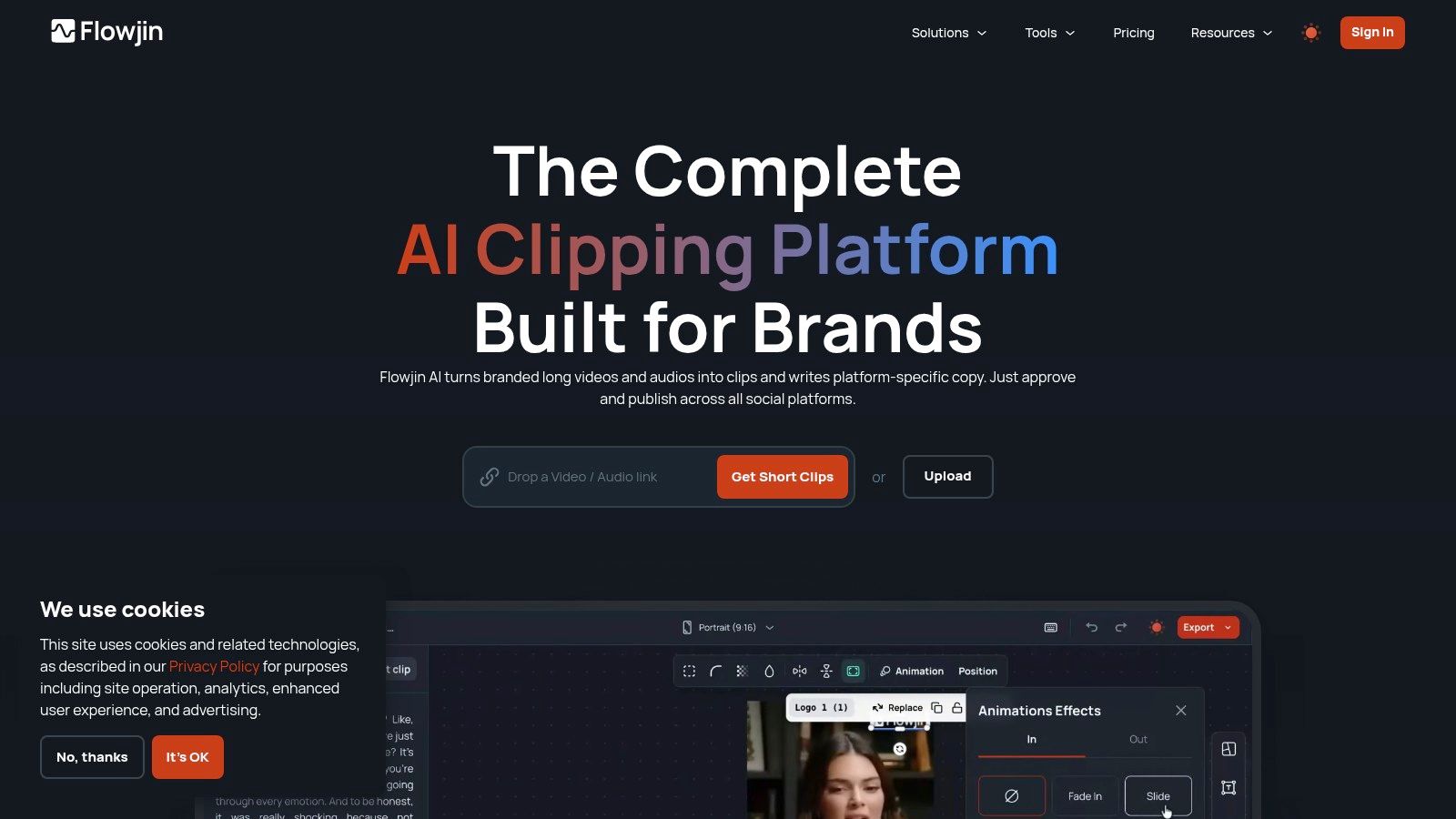
The platform’s AI automatically identifies the most compelling "highlight" moments from your content, a critical first step that saves hours of manual review. It then applies smart cropping and dynamic speaker tracking to ensure videos are perfectly framed for vertical formats like TikTok and Instagram Reels. From there, it adds branded templates, captions, and even drafts platform-specific copy (titles, hashtags, and calls-to-action) tailored for each social network. This integrated system of clipping, branding, copywriting, and scheduling is its key differentiator.
Key Features and Use Cases
- All-in-One Workflow: Flowjin combines AI clipping, automated captions, platform-specific copy generation, branded templates, and a content scheduler into a single application. This significantly reduces the need for separate subscriptions to video editors, AI writers, and scheduling tools.
- AI-Powered Highlights & Editing: The system automatically detects shareable moments, applies smart cropping for mobile viewing, tracks active speakers, and can insert B-roll to enhance visual appeal. Users can then fine-tune clips in the built-in editor.
- Cross-Platform Publishing: It generates optimized copy and formatting for LinkedIn, YouTube, X, TikTok, Instagram, and Facebook, streamlining the publishing process. For those looking to repurpose existing assets, Flowjin provides a straightforward guide on how to get clips from YouTube videos.
- Versatile Asset Creation: Beyond video, Flowjin exports audiograms, quote graphics, downloadable transcripts, and content summaries, making it a comprehensive repurposing hub for podcasts and webinars.
Pricing and Practical Considerations
Flowjin offers a tiered pricing model starting at an accessible $19 per month, positioning itself as a cost-effective alternative to a fragmented toolstack.
While highly effective, users should note that the platform is optimized for recordings longer than approximately 10 minutes, as the AI performs best with more context. Additionally, projects are stored for up to 30 days, so it's important to download or schedule finished assets within that window.
Pros:
- Consolidates multiple tools into a single, efficient workflow.
- Fast, AI-driven highlight detection and smart editing save significant time.
- Generates platform-specific copy to accelerate publishing.
- Creates multiple asset types (video, audiograms, graphics, text).
Cons:
- Project storage is limited to 30 days post-upload.
- AI clipping is most effective on content longer than 10 minutes.
Website: https://www.flowjin.com
2. Flowjin
Flowjin is an all-in-one AI platform designed for rapid content repurposing. It takes long-form video or audio like podcasts, webinars, and livestreams and automatically converts them into a suite of social-ready assets. This includes branded video clips, quote graphics, audiograms, and platform-specific copy, making it one of the most efficient social media content creation tools for teams focused on distribution.
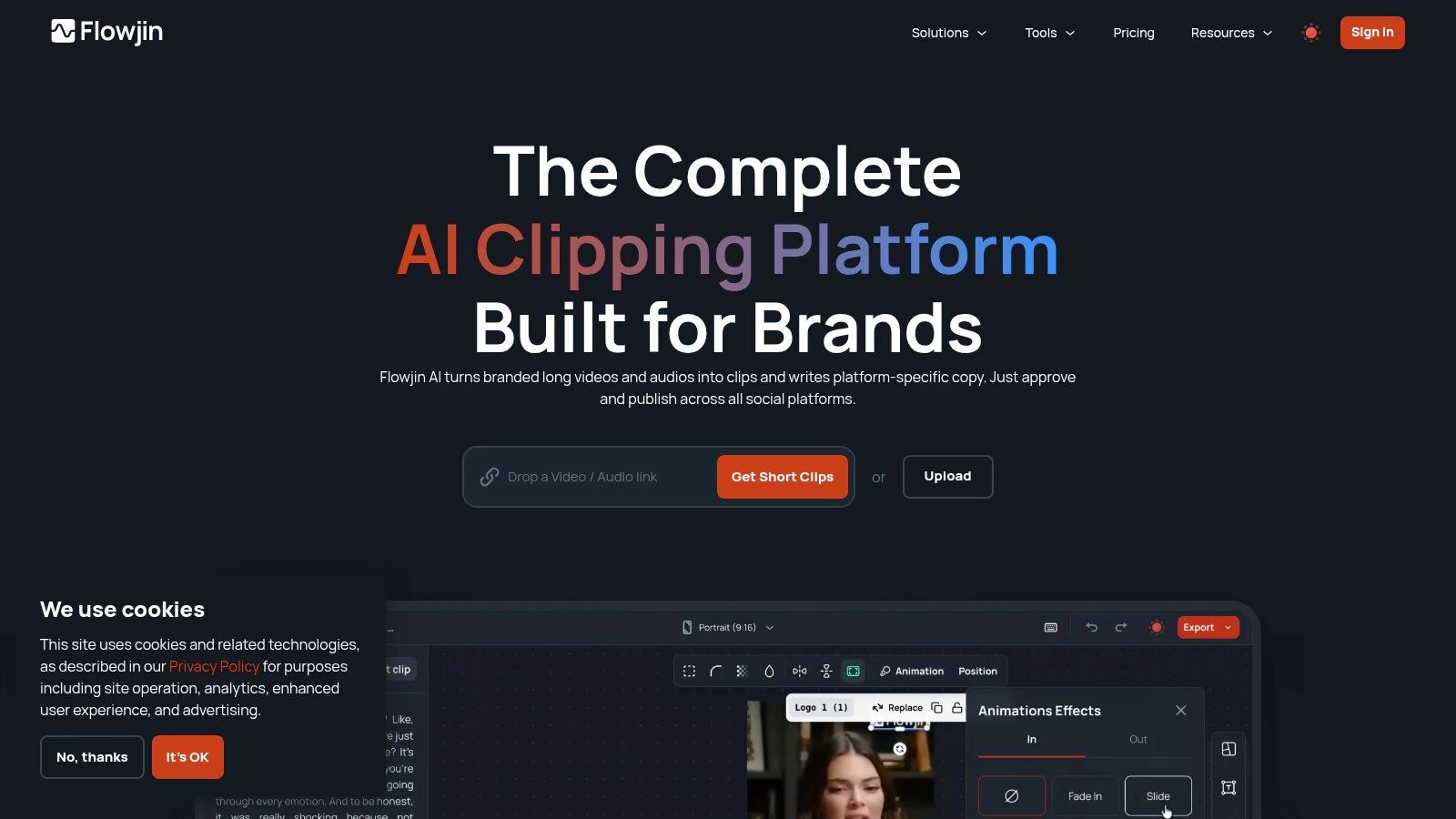
The platform’s core strength lies in its AI-powered workflow that replaces multiple manual steps. Instead of finding highlights, editing clips, captioning, writing posts, and scheduling separately, Flowjin consolidates these tasks. Its AI identifies engaging moments, applies branded templates, and generates tailored copy for LinkedIn, X, TikTok, and more, all from a single dashboard. This is a game-changer for coaches and consultants who record long-form content but lack the time for extensive video editing.
Key Features & Use Cases
- AI Highlight Detection: Automatically finds the most shareable moments in your long-form content, saving hours of manual review.
- Smart Crop & Speaker Tracking: Keeps the speaker perfectly framed in vertical video formats (9:16) without manual keyframing.
- AI Copy Generation: Creates ready-to-publish posts for each clip, tailored to the specific platform’s tone and format.
- All-in-One Asset Creation: Generates video clips, audiograms for podcasts, and static quote graphics from a single source file.
Pricing
Flowjin offers several tiers, with a free trial available.
- Creator: $59/month for 120 AI minutes/month.
- Business: $149/month for 400 AI minutes/month.
- Agency: Custom pricing for higher volume needs.A significant advantage is that unlimited clip exports are included on most paid plans, so you aren't penalized for creating more content.
Pros & Cons
Website: https://www.flowjin.com
3. Canva
Canva is an indispensable all-in-one design platform and lightweight video editor, making it one of the most popular social media content creation tools globally. It excels at empowering non-designers to create professional-looking posts, Stories, Reels, carousels, and thumbnails in minutes, thanks to its massive template library and intuitive drag-and-drop interface. It’s ideal for teams needing to produce high-quality graphics and simple videos quickly and consistently.
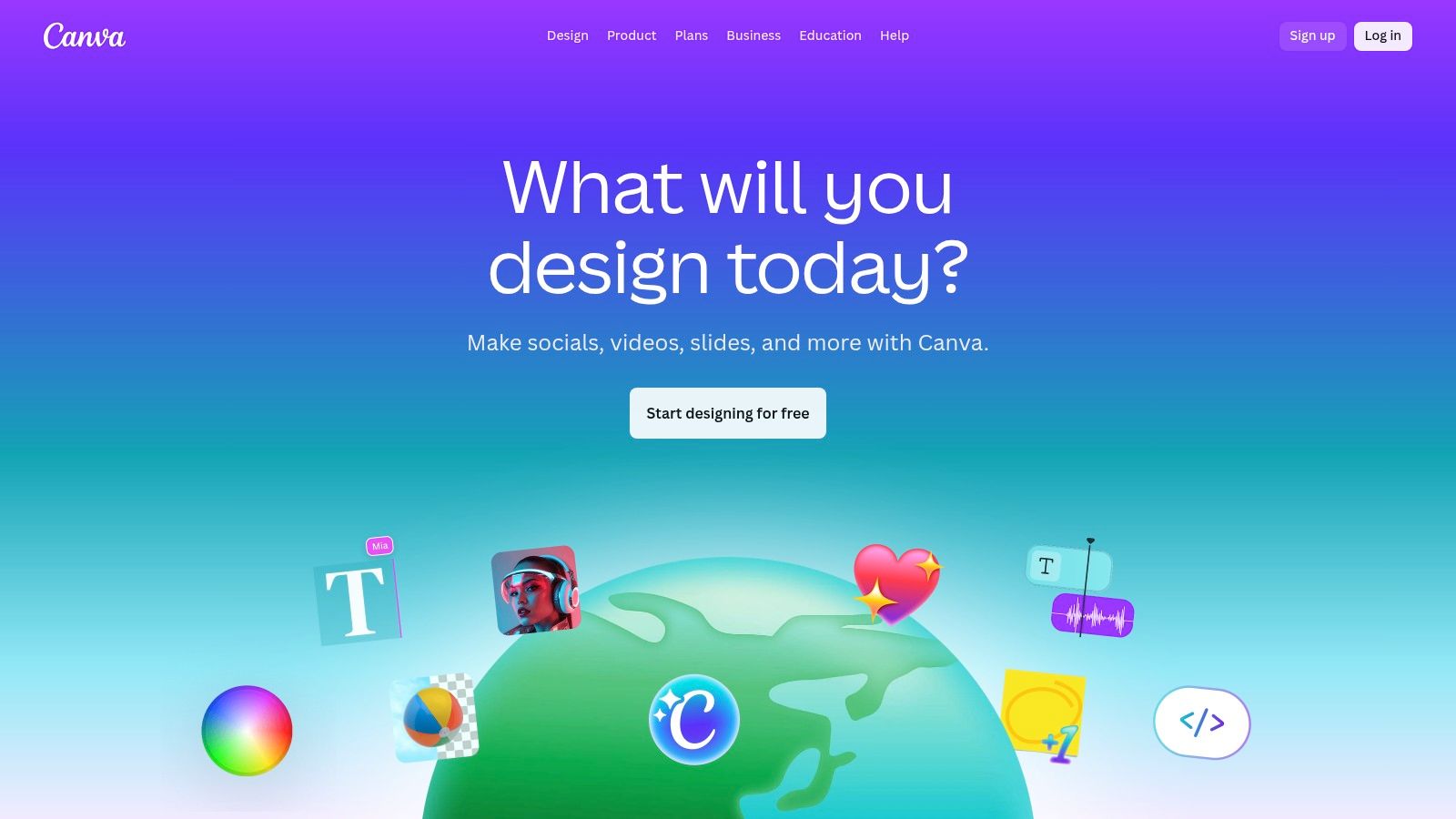
The platform’s core advantage is its accessibility and speed. Instead of complex software, users can leverage pre-built templates, a library of over 100 million assets, and AI-powered "Magic" features to generate content. Brand Kits allow businesses to maintain visual consistency by storing logos, fonts, and color palettes, while real-time collaboration features streamline the review process. For coaches and consultants, this means less time wrestling with design and more time engaging with their audience.
Key Features & Use Cases
- Massive Template & Asset Library: Quickly create polished social media graphics, carousels, and short videos using millions of templates and stock assets.
- Brand Kits: Maintain brand consistency across all visuals by pre-loading logos, color palettes, and fonts for easy access.
- AI "Magic" Features: Leverage AI for tasks like background removal, Magic Resize for different platforms, and Magic Write for copy assistance.
- Content Planner & Scheduler: Design and schedule social media posts directly to multiple platforms from within Canva (Pro feature).
Pricing
Canva has a robust free plan and multiple paid tiers.
- Canva Free: Generous free-for-ever plan with access to many core features.
- Canva Pro: $119.99/year for one person, unlocking premium templates, Brand Kits, and AI tools.
- Canva for Teams: Starting at $300/year for a team of 5, adding collaboration and brand control features.
Pros & Cons
Website: https://www.canva.com
4. Adobe Express
Adobe Express is an all-in-one design app that simplifies social media content creation, making Adobe’s powerful creative tools accessible to non-designers. It combines features for editing photos, videos, and PDFs with generative AI capabilities, allowing users to quickly produce on-brand posts, Reels, and TikToks from a web browser or mobile device. It's a go-to tool for marketers needing high-quality assets without the steep learning curve of the full Creative Cloud suite.
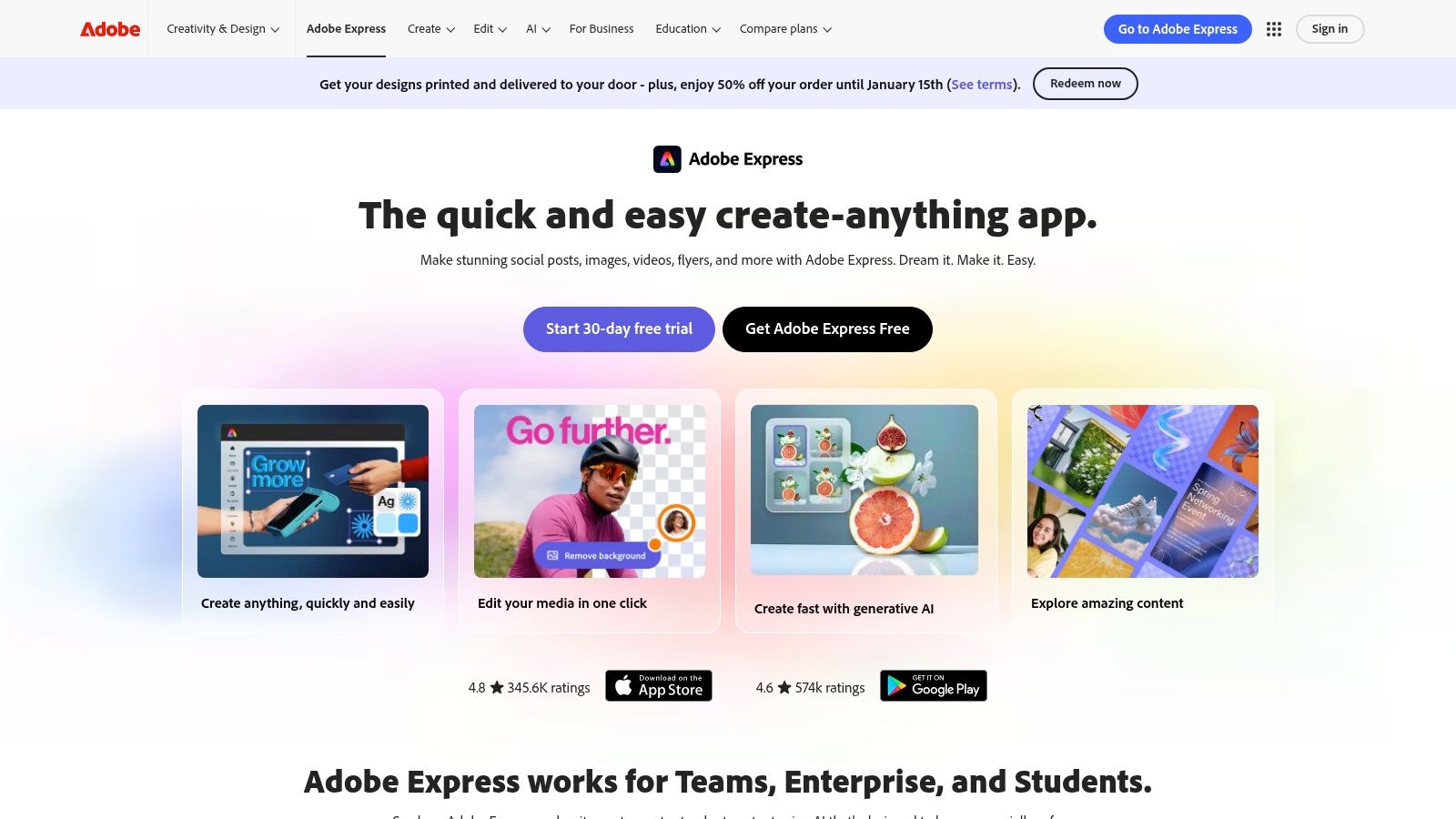
The platform’s strength lies in its integration with the broader Adobe ecosystem, including direct access to Adobe Stock assets and Adobe Fonts. For businesses, Brand Kits ensure every piece of content remains consistent. The built-in content scheduler and generative AI features for text and images streamline the entire workflow, from ideation to publication. This makes it an ideal choice for consultants and small marketing teams who need to produce a high volume of varied content efficiently.
Key Features & Use Cases
- Vast Asset Library: Access a huge collection of templates, royalty-free Adobe Stock photos, videos, and music.
- Brand Kits: Maintain brand consistency by uploading logos, colors, and fonts for easy application across all designs.
- Generative AI: Use Text to Image and Text Effects powered by Adobe Firefly, which is designed to be commercially safe.
- All-in-One Editor: Animate text, remove video backgrounds, resize content for any platform, and schedule posts directly.
Pricing
Adobe Express has a free plan with core features and a premium option.
- Free: Core features, thousands of templates, and limited Adobe Stock access.
- Premium: $9.99/month for all premium templates and design assets, 100M+ Adobe Stock photos, 250 generative credits/month, and Brand Kits.The Premium plan is often included with most Adobe Creative Cloud subscriptions.
Pros & Cons
Website: https://www.adobe.com/express
5. Descript
Descript is a groundbreaking video and audio editor that operates like a text document. It's designed for anyone who creates spoken-word content, like podcasts or video interviews, allowing them to edit complex media by simply editing the auto-generated transcript. This text-based workflow dramatically lowers the technical barrier to producing high-quality social media content.
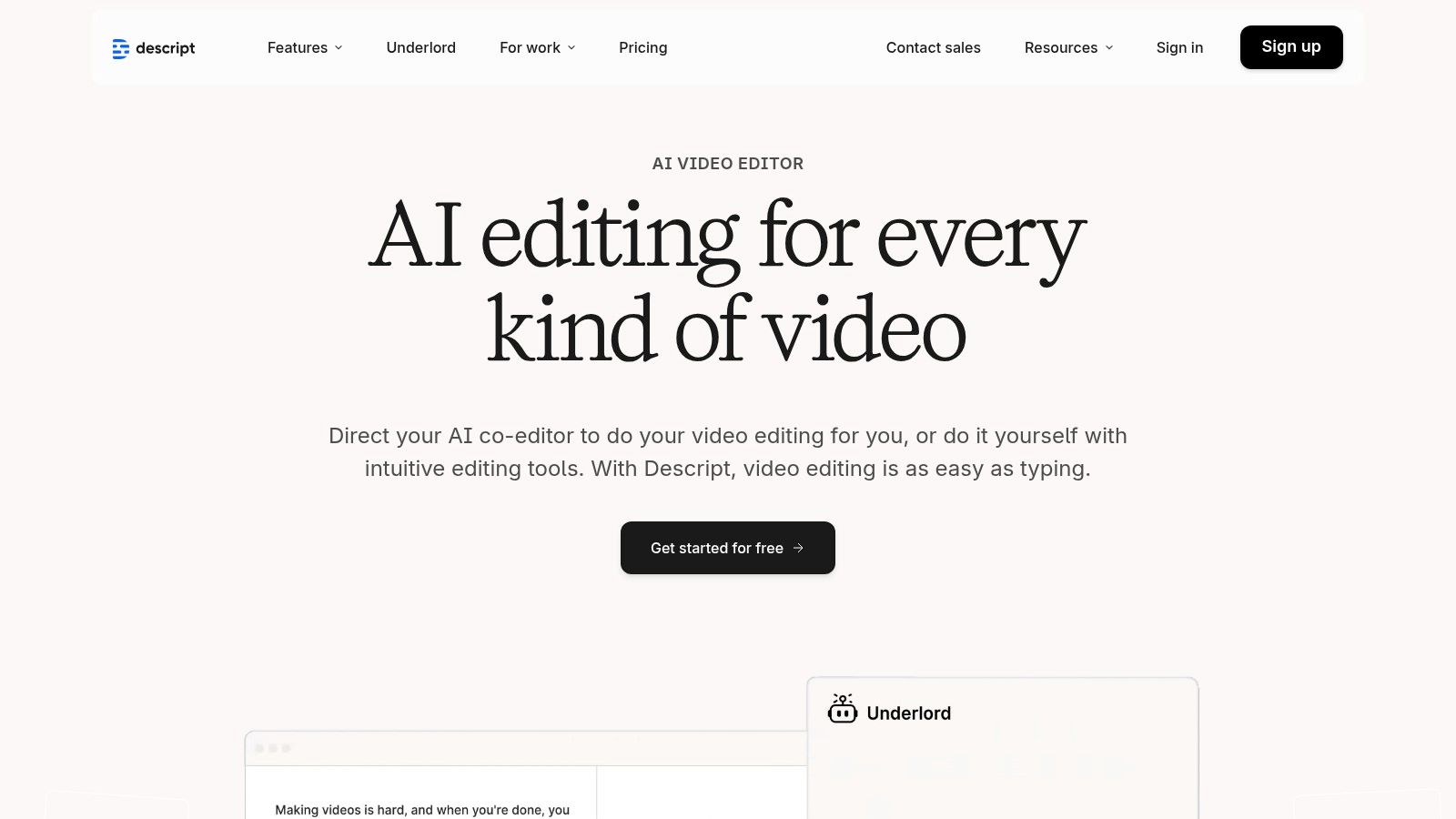
The platform’s core innovation is its powerful AI toolkit built around the transcript. Users can remove filler words ("um," "uh") with a single click, correct mistakes by typing new words with its Overdub feature, and even clone their voice for future edits. This makes it one of the best social media content creation tools for podcasters and video creators who need to repurpose long recordings into polished, shareable clips without deep video editing expertise. As one of the premier podcast clip makers, Descript offers an impressive suite of features for creators. Learn more about the best podcast clip maker apps in 2025 to see how it compares.
Key Features & Use Cases
- Edit by Transcript: Edit video and audio by cutting, copying, and pasting text in the transcript; the media timeline updates automatically.
- AI Tools: Includes "Studio Sound" for audio enhancement, Overdub for voice cloning, and AI-powered dubbing and translation.
- Filler Word Removal: Instantly find and delete filler words from your entire recording to create cleaner, more professional audio.
- Clip & Social Post Creation: Highlight sections of your transcript to quickly generate social media-ready video clips with animated captions.
Pricing
Descript offers a free plan and multiple paid tiers based on transcription hours.
- Free: 3 transcription hours total.
- Creator: $12/month per user for 10 transcription hours/month.
- Pro: $24/month per user for 30 transcription hours/month.
- Enterprise: Custom pricing for teams needing advanced features.
Pros & Cons
Website: https://www.descript.com
6. Kapwing
Kapwing is a browser-based video editor that simplifies social media content creation, especially for teams. It combines a user-friendly editing timeline with powerful AI features, including a Repurpose Studio that converts a single video into multiple platform-specific cuts. Its collaborative, in-browser workspace makes it a go-to tool for marketers who need to create polished video content without downloading complex software.
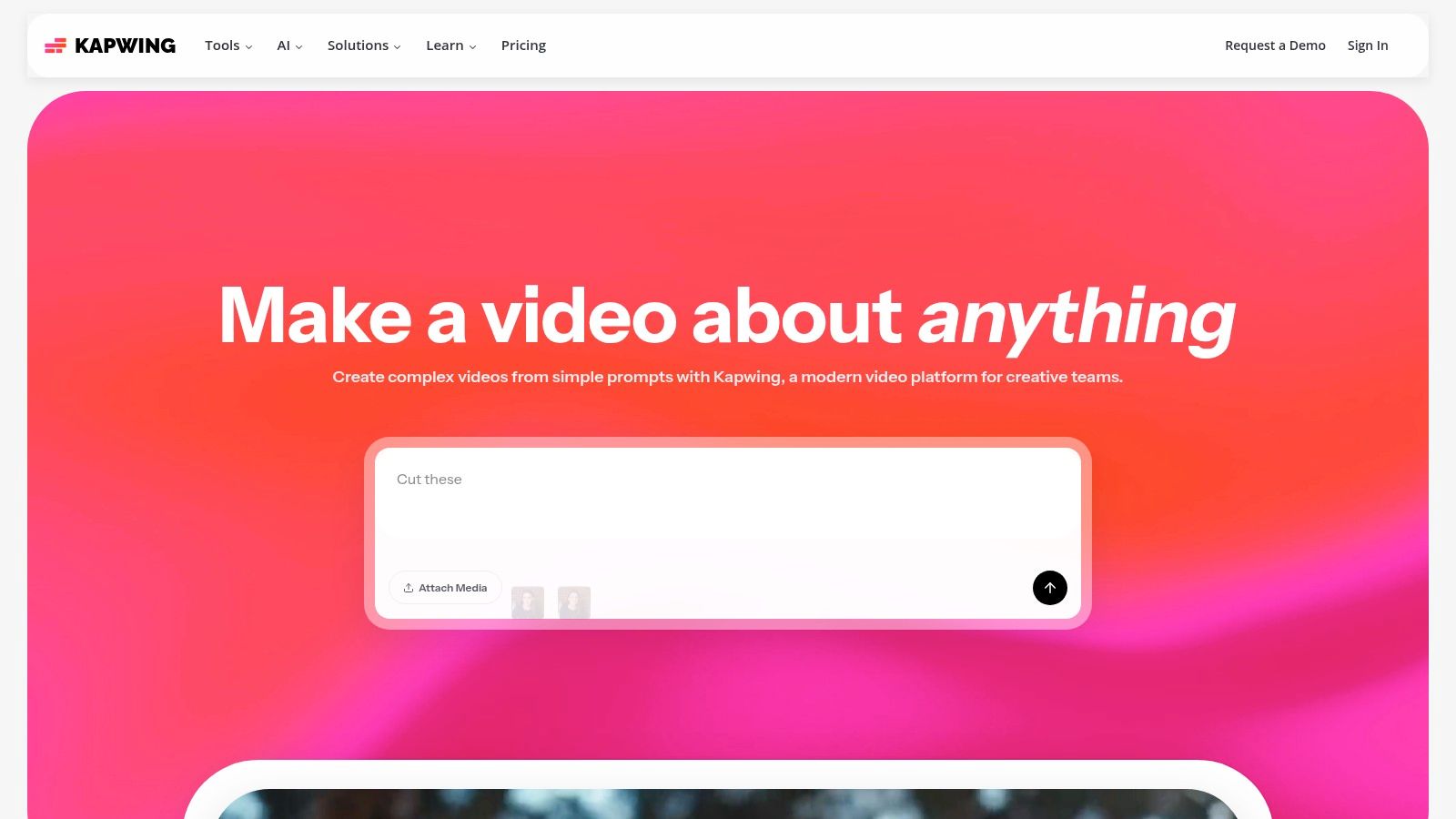
The platform stands out by making professional-grade video editing accessible to non-editors. Instead of a steep learning curve, users get intuitive tools for auto-subtitling, text-to-speech, and speaker tracking. Teams can maintain brand consistency using a shared Brand Kit and work on projects together in real-time. This is ideal for social media managers and agencies that need a centralized, efficient workflow for creating and approving video assets.
Key Features & Use Cases
- Repurpose Studio: Automatically resizes and reformats one source video into multiple aspect ratios (e.g., 9:16 for Reels, 1:1 for Instagram posts) with smart framing.
- AI Auto-Subtitles & Dubbing: Generates accurate subtitles with one click and allows for AI-powered voiceovers and language translation.
- Brand Kit & Templates: Ensures brand consistency with stored logos, colors, and fonts that can be applied to pre-made video templates.
- Collaborative Workspaces: Allows team members to comment, edit, and share projects directly in the browser, streamlining the review process.
Pricing
Kapwing offers a free tier and two main paid plans.
- Free: Includes a watermark, limited export length, and 720p resolution.
- Pro: $24/month per user for no watermark, 4K export, and more AI credits.
- Business: $64/month per user for increased storage, brand controls, and priority support.The credit system for AI features like auto-subtitling and dubbing is a key factor to consider when choosing a plan.
Pros & Cons
Website: https://www.kapwing.com
7. CapCut
CapCut is a mobile-first video editor from ByteDance (the creators of TikTok) that has become a go-to for creating short-form vertical videos. While it offers desktop and web versions, its core strength lies in its mobile app, which is packed with templates, effects, and intuitive workflows designed for creating viral TikToks and Instagram Reels with incredible speed.
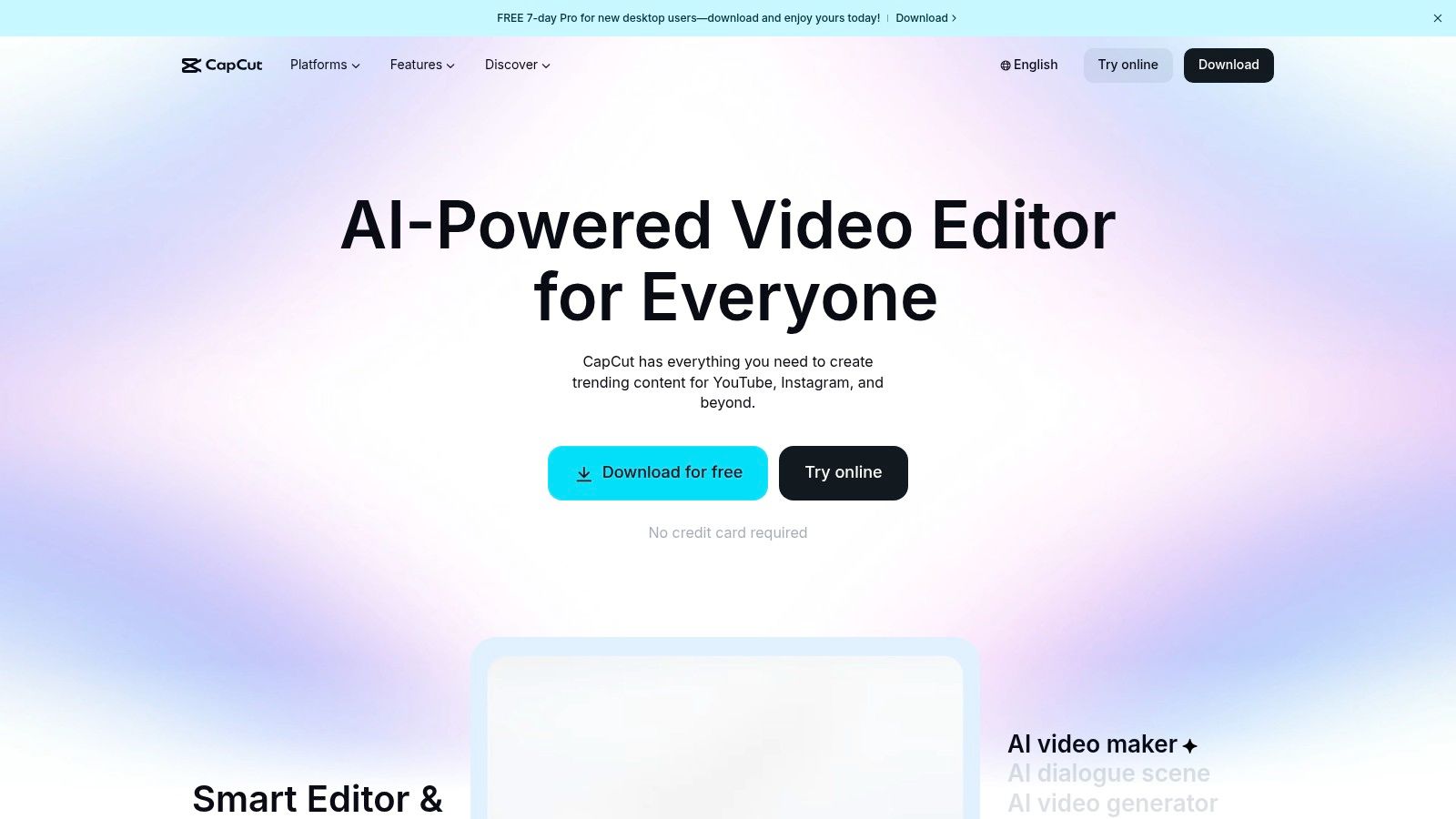
The platform stands out by making complex editing features like speed ramps, AI-generated captions, and trending effects accessible to non-editors. Creators can jump on a trend by simply dropping their clips into a pre-built template, and the app handles the rest. This focus on trend-based, rapid creation makes it one of the most popular social media content creation tools for individual creators and social media managers who need to produce high-velocity content that feels native to the platform. To see how it compares to other specialized video tools, see our review of the best AI reel generators.
Key Features & Use Cases
- Vast Template Library: Access thousands of trending video templates that sync your clips to popular audio and effects automatically.
- AI Auto-Captions: Generate and style animated, word-by-word captions with high accuracy, a key feature for viewer retention.
- Mobile-First Editing Suite: Includes advanced features like speed ramps, keyframing, filters, and transitions optimized for a touch interface.
- 4K Export: Pro users can export high-resolution videos, ensuring content looks crisp on all platforms.
Pricing
CapCut offers a robust free version with paid Pro features available via in-app purchases or subscriptions.
- Free: Includes most core editing tools, 1GB cloud storage, and many templates.
- CapCut Pro: Approximately $7.99/month (varies by region/platform) for 100GB storage, premium effects, and advanced AI features.
Pros & Cons
Website: https://www.capcut.com
8. VEED.io
VEED.io is a popular online video editor designed to simplify social media workflows, with a strong focus on subtitling, translation, and accessibility. While it offers a broad suite of editing features, its core strength is making video content globally accessible through powerful, automated text and audio tools. It's an excellent choice for teams that need to quickly add accurate captions or translate their videos for international audiences without a complex learning curve.
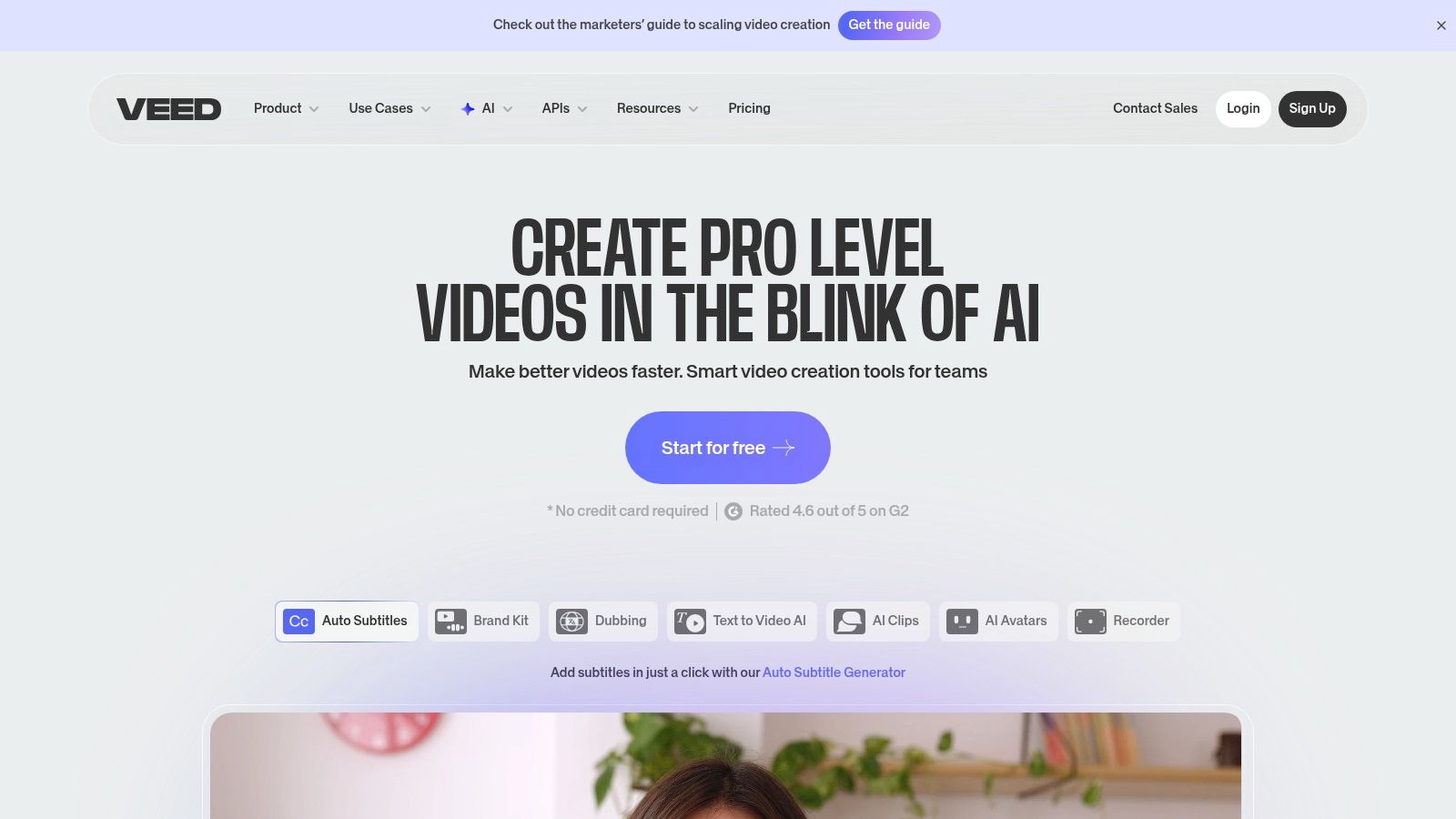
The platform is increasingly expanding into generative AI, offering features like AI avatars, voice dubbing, and text-to-video generation through a credit-based system. This positions VEED.io as a versatile tool that can handle both traditional editing tasks and emerging AI-driven content creation. While many social media platforms now offer robust video editing, some creators find that dedicated tools for creating online courses and high-quality social content provide more control and advanced features like those found in VEED.
Key Features & Use Cases
- Auto-Subtitles & Translation: Automatically generate captions with high accuracy and translate them into dozens of languages in a few clicks.
- AI Avatars & Voice Dubbing: Create videos using stock or custom AI avatars and dub your content into different languages with AI-generated voices.
- Brand Kit & 4K Exports: Maintain brand consistency with stored logos, fonts, and colors, and export in high resolution on Pro plans.
- Generative Video Tools: Use a credit system to access text-to-video models and other generative AI features for quick content creation.
Pricing
VEED.io offers a free plan with watermarked exports and several paid tiers.
- Basic: $25/month/user for 1080p exports and 720 mins of subtitles/year.
- Pro: $50/month/user for 4K exports, Brand Kit, and translation features.
- Business: $125/month/user for more subtitle minutes and advanced features.AI features are primarily accessed via AI credit packs, which are purchased separately.
Pros & Cons
Website: https://www.veed.io
9. InVideo
InVideo is a browser-based video creation platform designed for speed, allowing users to move from script to a finished social video in minutes. It streamlines production for ads, promos, and vertical shorts by combining AI script generation, text-to-video capabilities, and a vast library of templates and stock media. This makes it one of the best social media content creation tools for marketers and creators who need to produce high-quality videos without deep editing expertise.
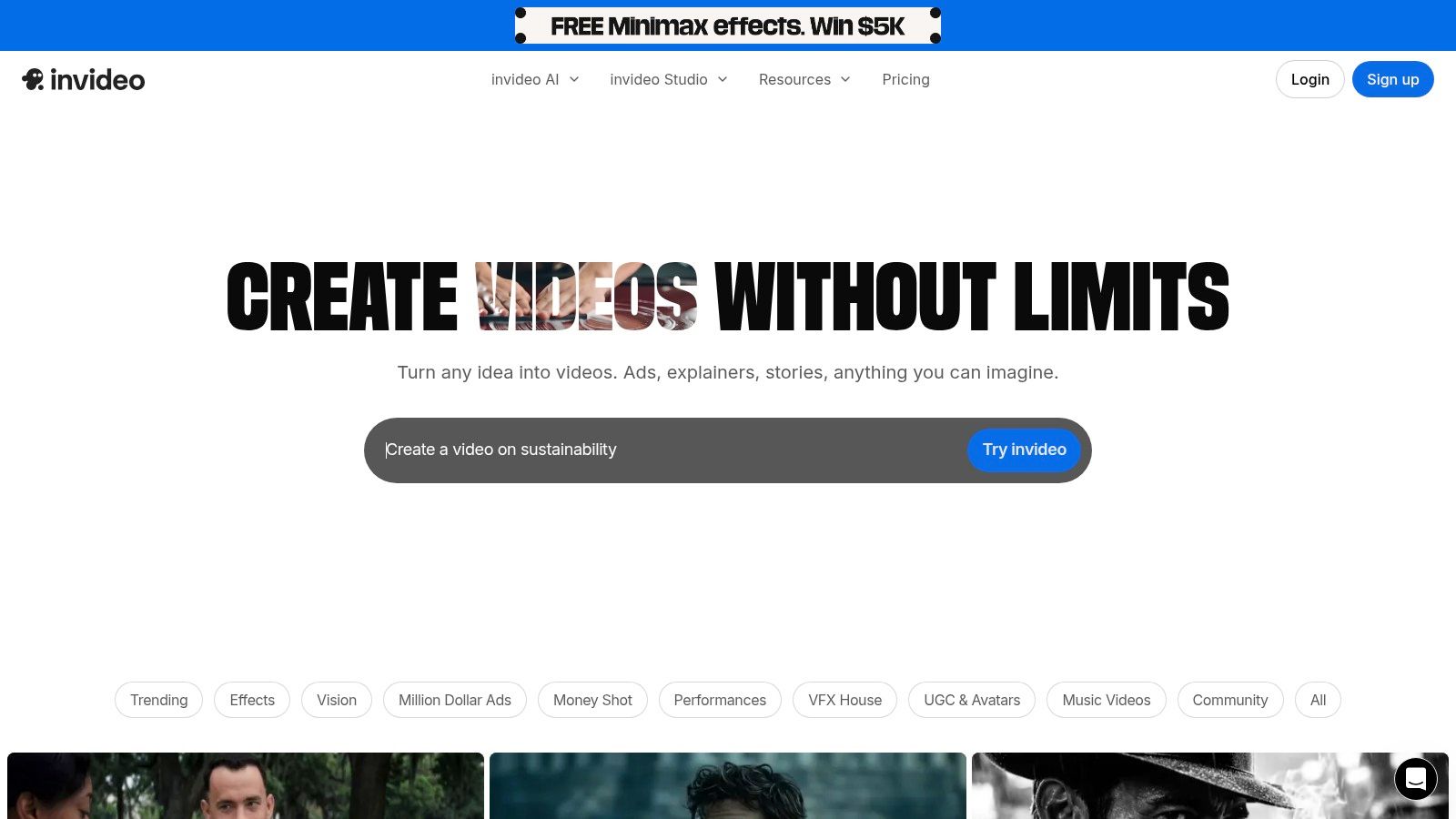
The platform's core value is its integrated workflow that replaces the need for separate tools for scripting, voiceovers, asset sourcing, and editing. Users can input a simple prompt, and InVideo’s AI will generate a script, find matching stock footage, add a voiceover, and apply captions. For coaches or small businesses needing to create explainer videos or social ads quickly, this text-to-video engine removes significant friction from the content creation process, enabling rapid, collaborative production directly in a web browser.
Key Features & Use Cases
- AI Script Generation: Creates complete video scripts from a simple text prompt, including scenes and directives.
- Built-in AI Voiceover: Instantly generates a human-like voiceover for your script, eliminating the need for recording or hiring talent.
- Template-Driven Workflow: Offers thousands of pre-sized templates for TikTok, Instagram Reels, and YouTube Shorts.
- Integrated Stock Media: Provides access to millions of stock photos and videos to build your video without shooting original content.
Pricing
InVideo has a free plan and paid tiers for more advanced features.
- Free: $0/month for 10 mins of AI generation/week with watermarks.
- Plus: $25/month for 50 mins of AI generation/month.
- Max: $60/month for 200 mins of AI generation/month.The pricing is structured around AI generation minutes, which is a key factor to consider for high-volume creators.
Pros & Cons
Website: https://invideo.io
10. Envato Elements
Envato Elements is an unlimited-download subscription service that provides a massive library of creative assets, making it a cornerstone social media content creation tool for teams needing a high volume of quality resources. It offers everything from video templates and stock footage to presentation themes, photos, music, and fonts, all under a single commercial license. This model simplifies budgeting and legal compliance for agencies and in-house marketing teams.
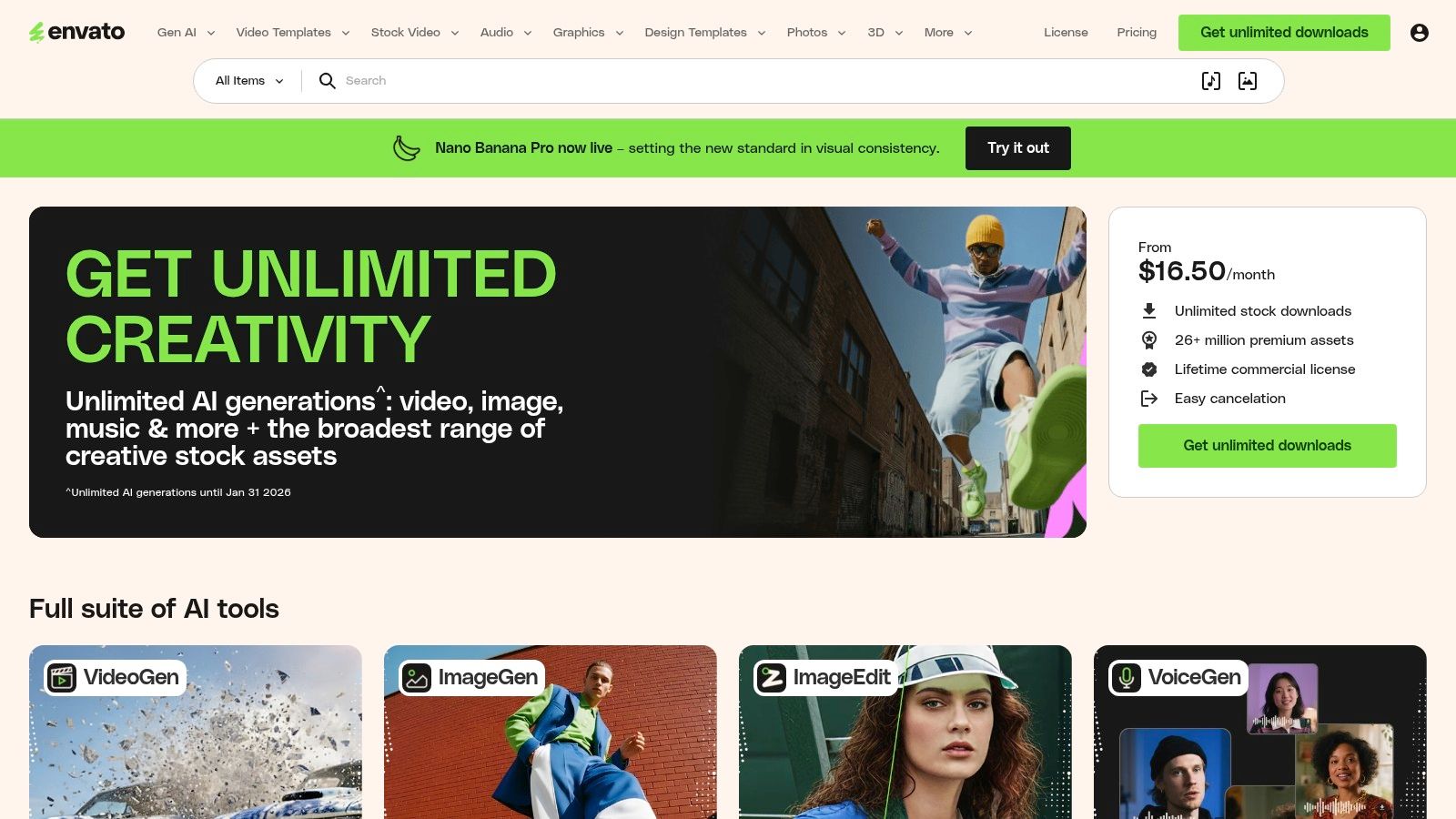
The platform’s core value lies in its predictable, all-you-can-use model. Instead of paying per asset, a single subscription grants access to millions of items, which is ideal for social media managers who constantly need fresh visuals for Reels, Stories, carousels, and ads. For coaches and consultants, its vast library of social media templates (for Canva, After Effects, etc.) provides a professional starting point, eliminating the need to design content from scratch and ensuring brand consistency across platforms.
Key Features & Use Cases
- Unlimited Downloads: Access and use millions of creative assets for a flat monthly or annual fee.
- Simple Commercial License: A single, broad commercial license covers most business use cases, simplifying rights management.
- Massive Asset Library: Includes social media templates, video templates, stock video, royalty-free music, sound effects, and fonts.
- Team & Enterprise Plans: Scalable options for growing teams, allowing multiple users under one account.
Pricing
Envato Elements is a subscription-based service with straightforward pricing.
- Individual: $16.50/month (billed annually) for one user.
- Teams: Starts at $10.75/month per member for teams of 6 or more.
- Enterprise: Custom pricing for large organizations needing tailored solutions.
Pros & Cons
Website: https://elements.envato.com
11. Creative Market
Creative Market is an online marketplace where creators can buy individual design assets like social media templates, unique fonts, photo presets, and mockups. Instead of a subscription-first model like Canva, it operates like a high-quality digital craft fair, connecting independent designers with businesses and individuals needing specific creative elements. This makes it an ideal resource for sourcing unique brand kits or carousel templates that stand out from more common designs.
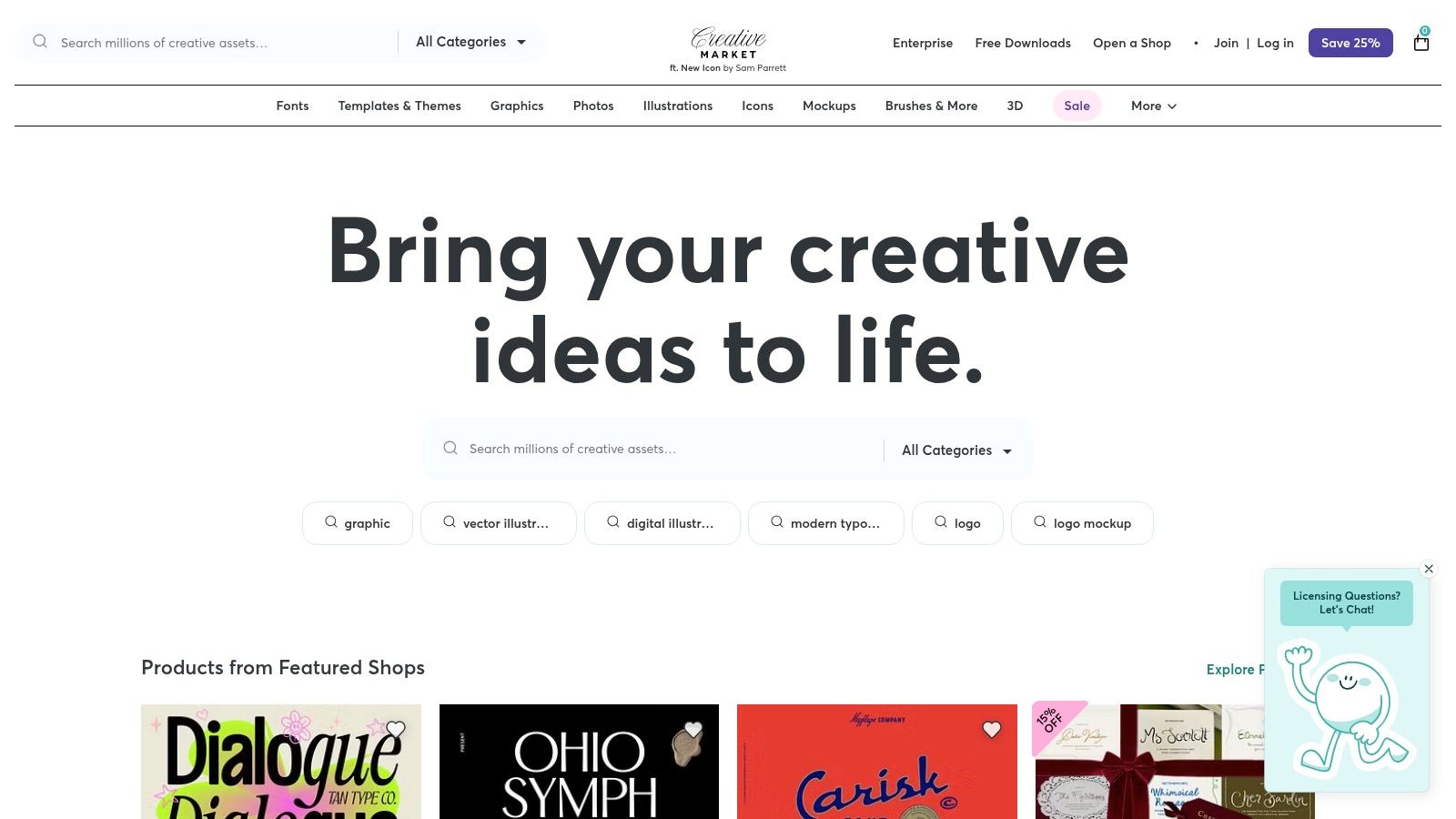
The platform's strength is its à-la-carte purchasing model, which is perfect for one-off projects or when you need a very specific asset without committing to a monthly fee. For frequent buyers, an optional membership provides monthly download credits and site-wide discounts. This flexibility makes it one of the most adaptable social media content creation tools for teams that need high-quality assets on an as-needed basis, from a single Instagram Story template to a complete branding package.
Key Features & Use Cases
- À-la-carte Marketplace: Purchase exactly what you need, including templates, fonts, mockups, and brand assets.
- Optional Membership: Get monthly credits, site-wide discounts, and curated "Drop" bundles for recurring needs.
- Clear Licensing: Straightforward licensing terms for personal, commercial, and extended commercial use are defined for each asset.
- Vast Asset Variety: Find niche and highly specialized assets from thousands of independent creators that aren't available on mainstream platforms.
Pricing
Pricing is asset-dependent, set by individual creators.
- Pay-per-item: Prices vary from a few dollars for a single font to over $100 for comprehensive brand kits.
- Membership: Starts at $19.95/month, which includes monthly credits and a 15% discount on all purchases.
Pros & Cons
Website: https://creativemarket.com
12. AppSumo
AppSumo isn't a single tool but a lifetime deal marketplace essential for any content creator's toolkit. It’s where teams can discover and purchase discounted or lifetime access to emerging SaaS products, including a constant rotation of social media content creation tools. This makes it a strategic channel for acquiring powerful software for a one-time cost, fundamentally changing how teams budget for their tech stack.
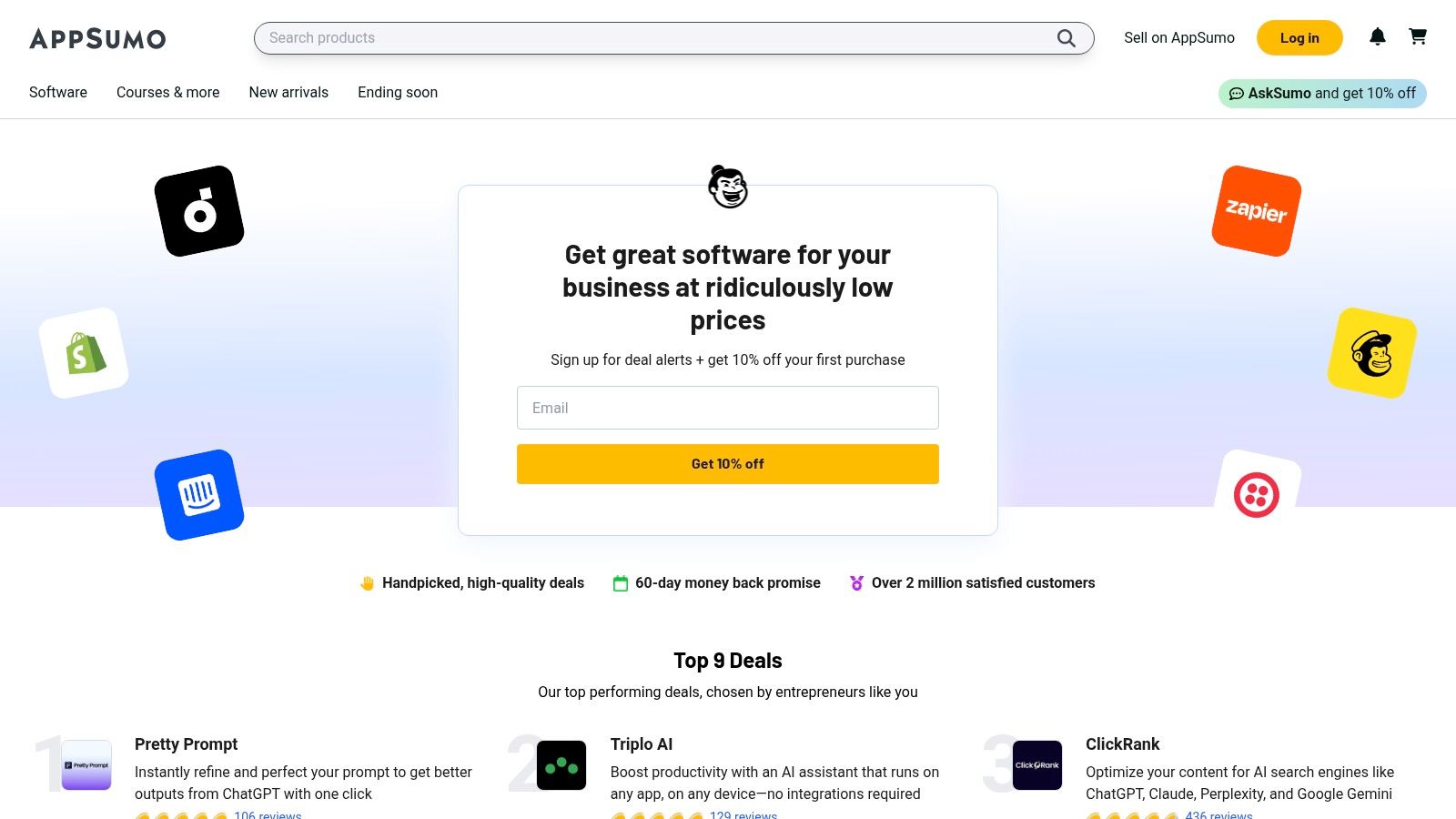
The platform’s value lies in its ability to dramatically lower long-term software expenses. Instead of paying monthly subscriptions for multiple apps, creators can often secure lifetime licenses for a fraction of the cost of one year's subscription. For marketing agencies and small businesses, this is a game-changer for testing new tools for video editing, graphic design, or scheduling without committing to expensive recurring fees. The user reviews and Q&A sections on each deal page provide critical social proof before purchasing.
Key Features & Use Cases
- Rotating Software Deals: Access a curated selection of new software deals weekly, often with lifetime access options.
- Discovery Marketplace: An excellent resource for finding innovative, up-and-coming social media tools before they become mainstream.
- 60-Day Money-Back Guarantee: Most deals include a generous refund window, allowing for risk-free testing of new platforms.
- User Reviews & Feedback: Gain insights from other buyers about a tool's performance, support, and long-term viability.
Pricing
AppSumo’s model is based on one-time payments for individual software deals.
- Deal Pricing: Varies significantly, typically from $39 to $99+ for a lifetime license.
- AppSumo Plus: A yearly membership ($99/year) that offers an extra 10% off purchases and other exclusive perks.
Pros & Cons
Website: https://appsumo.com
Top 12 Social Media Content Creation Tools — Feature Comparison
Build a Content System That Works for You, Not Against You
Navigating the crowded landscape of social media content creation tools can feel overwhelming. The real power isn’t in hoarding a dozen subscriptions; it's in strategically selecting a few that work together seamlessly to form a cohesive and efficient content engine.
The most common pitfall for coaches and consultants is not a lack of ideas but a broken system. This leads to inconsistency, burnout, and the frustrating feeling of constantly being behind. A well-designed system, however, turns content creation from a daily chore into a predictable, scalable process.
Common Mistakes Coaches Make (and How to Fix Them)
Before choosing a tool, it helps to diagnose the problem. Here are five common content creation mistakes coaches make and their tactical fixes:
- Fix: Create a "Content Hub" in a simple notes app. Any time a client asks a great question, you see a common struggle, or you have an insight—add it to the list. Never start from zero again.
- Bad: "Today I want to talk about lead generation..."
- Good: "If you're a coach struggling to get clients on Instagram, stop scrolling."
- Fix: Batch your content. Dedicate one block of time per week to record, another to edit/design, and a third to schedule. This is the core of an efficient workflow.
- Fix: Use your phone’s grid lines to center your face. Look directly at the camera lens, not at your own face on the screen. It feels strange at first but looks much more engaging to the viewer.
- Fix: End every piece of content with a simple, low-friction next step. Instead of "Book a call," try "Comment 'CLIENTS' and I'll send you my free checklist." This starts a conversation in the DMs.
- Monday (Plan & Record - 60 mins): Record one 15-20 minute long-form video. This could be a client Q&A, a deep dive on a coaching topic, or a mini-webinar. Don't overthink it, just deliver value.
- Tuesday (Repurpose - 30 mins): Upload your video to an AI repurposing tool like Flowjin. Let the AI generate 3-5 short clips, quote graphics, and a LinkedIn post. Review and approve the assets.
- Wednesday (Design - 30 mins): Use Canva or Adobe Express to create a 3-slide carousel based on one key idea from your long-form video. Use your brand kit for consistency.
- Thursday (Schedule - 15 mins): Schedule everything for the upcoming week. You should have 3 Reels, 2 quote graphics, 1 carousel, and 1 LinkedIn post ready to go.
A Mini-Workflow You Can Implement This Week
Choosing the right tools is only half the battle; integrating them into a simple, repeatable system is what creates consistency and saves you time. Here is a mini-workflow you can adopt this week to see immediate results:
This system turns one hour of recording into a full week of diverse, high-quality content. You've beaten the 'what to post' problem and freed up your time to focus on clients. Ultimately, the best social media content creation tools are the ones that disappear into the background, allowing your expertise to shine through consistently and effortlessly.
If you're already recording long-form content like podcasts or webinars, the next logical step is to automate the hardest part of content creation. Flowjin is built to turn your existing recordings into a steady stream of social media clips, captions, and posts faster than any manual workflow. See how it works and reclaim your time at Flowjin.


.jpg)