Table of Contents
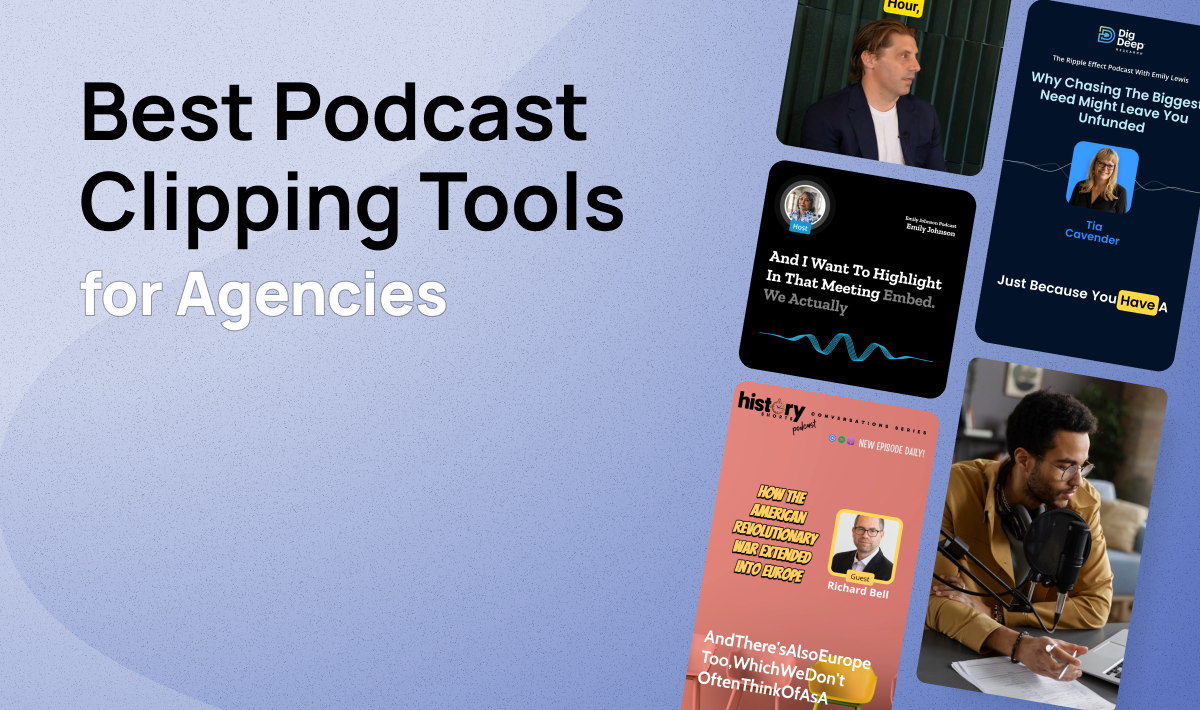
Are you looking for an AI clipping tool that can transform long-form content into social-ready clips, keep everything on-brand, and get posts scheduled without jumping between five different apps?
While tools like Opus Clip, Descript, VEED, and Vizard are popular choices, they come with significant workflow gaps for teams focused on content repurposing. Some teams encounter issues including too many clicks to produce multiple clips, no native scheduling, audio-only content not supported, and editors that require a learning curve just to make basic adjustments.
That's why we've compiled a list of the top 5 AI clipping tools, evaluated specifically for the workflow that matters: clipping → polishing → posting.
1. Flowjin

Flowjin is a B2B-focused AI clipping platform built specifically for social media teams, agencies, and marketers who repurpose long-form content at scale.
Unlike creator-first tools, Flowjin was designed around a streamlined workflow—upload your content, let AI generate clips, polish them in one editor, and schedule directly to socials.
Key Features
1. AI Clipping for Both Audio and Video – Most tools only handle video. Flowjin works equally well with podcasts, Twitter/X Spaces, webinars, and Zoom recordings. Upload audio-only content and get polished audiograms with speaker visuals automatically. See sample outputs here.
2. Streamlined Post-Production – Layers, animations, B-rolls, captions, and backgrounds all live in one simple editor. Make a clip ready to post in minutes, not hours. No jumping between tools.
3. Brand Templates Per Client – The big differentiator for agencies. Set up different templates for every podcast or brand you manage. AI applies them automatically when generating clips—everything stays on-brand without manual work each time.
4. Built-in Scheduling + Platform-Specific AI Captions – Schedule clips directly to LinkedIn, X, YouTube, Instagram, and Facebook. The AI writes captions tailored to each platform—LinkedIn copy reads professional, X copy is punchy, Instagram copy includes relevant hashtags.
5. Batch Workflow – Generate multiple clips from one upload, polish them quickly with consistent templates, and queue them all for publishing. The entire flow happens in one place.
Pros
- Complete clipping → polishing → posting workflow in one platform
- Supports both audio and video content (podcasts, X Spaces, webinars, YouTube)
- Brand templates automatically applied by AI—no manual formatting per clip
- Platform-specific captions optimized for brand voice, not influencer engagement
Cons
- Less focus on "viral score" predictions (designed for brand content, not creator metrics)
- Smaller user base than established competitors
Pricing
Flowjin offers a Starter plan at $19/month (150 minutes), Creator plan at $29/month (5 hours), and Growth plan at $1135/month (50 hours) for agencies. Custom packages available based on the needs.
2. Descript
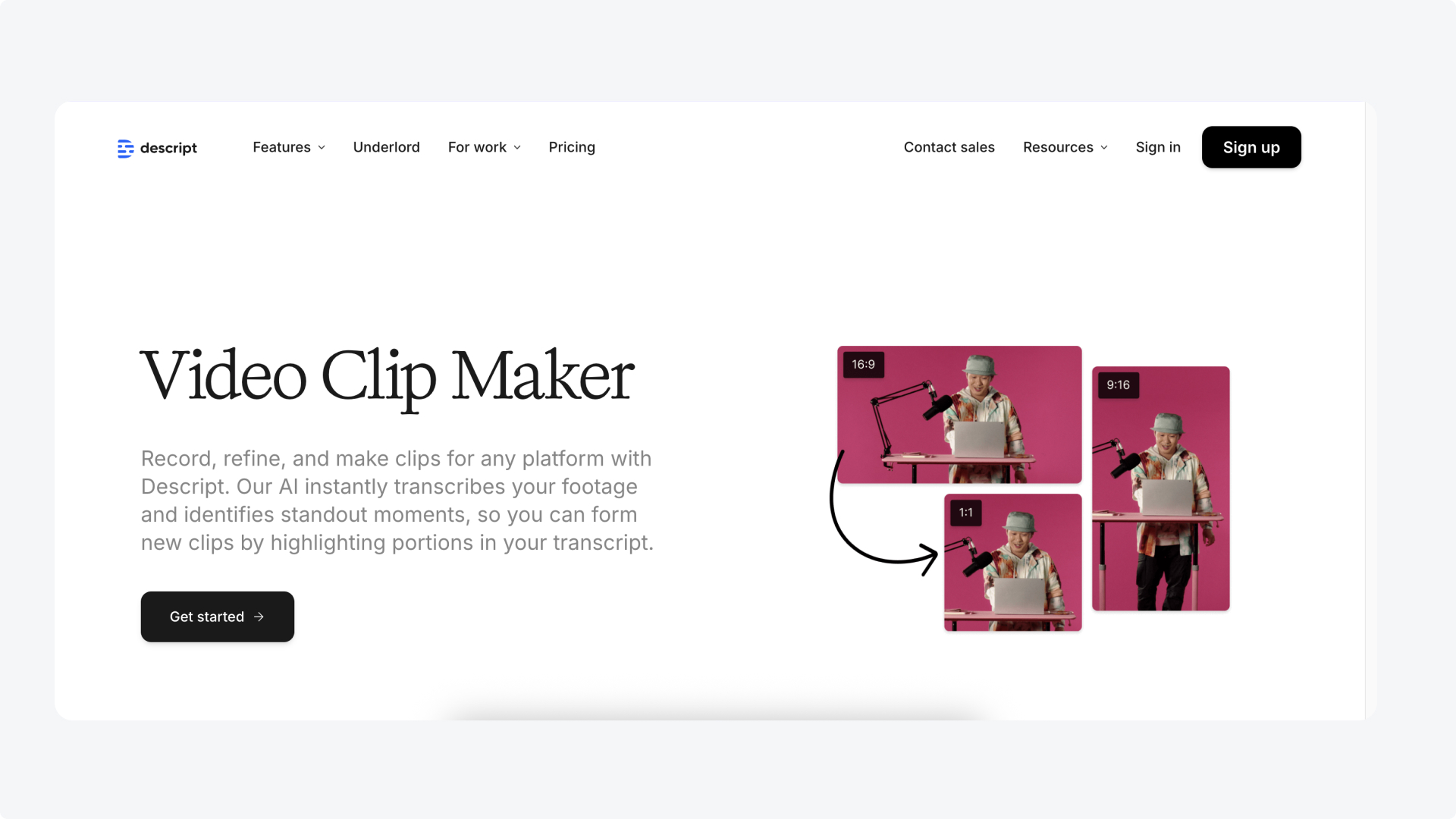
Descript pioneered text-based editing—edit video by editing its transcript. It's excellent for cleaning up full podcast episodes: merging tracks, removing filler words, fixing audio issues. For that use case, it's genuinely best-in-class.
Where It Falls Short for Clipping Workflows
The problem comes when you try to use Descript for social content repurposing. There's no streamlined clip-to-post workflow.
To create multiple clips, you're looking at many clicks per clip—manually selecting segments, exporting each one, then polishing and adding captions separately.
Each clip needs individual post-production work before it's ready for socials.
Key Features (Relevant to Clipping)
1. Text-Based Editing – Edit by editing the transcript. Great for cleaning up source content before clipping.
2. Filler Word Removal – One-click removal of "ums," "uhs," and awkward pauses.
3. Studio Sound – AI audio enhancement for cleaner source files.
Pros
- Excellent for full episode editing and cleanup
- Best-in-class for merging multiple audio/video tracks
- Transcription accuracy is strong
Cons
- No streamlined workflow for generating multiple clips
- Each clip requires individual post-production—captions, formatting, export
- No native scheduling to social platforms
Pricing
Free plan (1 hour, watermarked), Hobbyist at $19/month, Creator at $35/month, Business at $50/month per user.
Bottom Line: Use Descript to edit your full episode. Use something else to clip and distribute it.
3. VEED
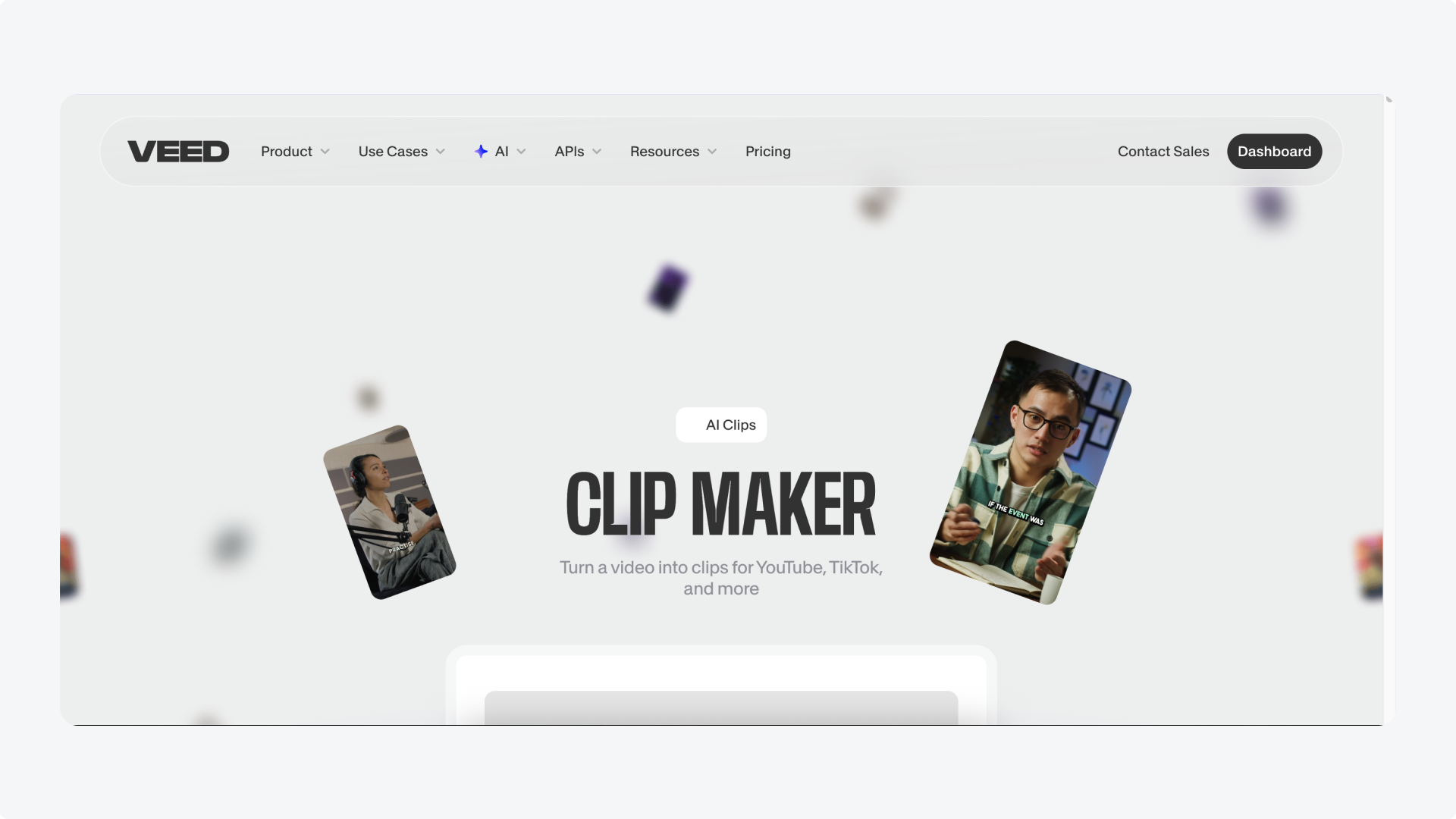
VEED is a solid browser-based video editor with good subtitle accuracy and a clean interface. For general video editing tasks, it works well.
Where It Falls Short for Clipping Workflows
Same core problem as Descript—VEED is an editor, not a repurposing workflow. Creating multiple social clips means manually trimming each segment, adding captions individually, formatting for each platform, and exporting one by one. Then you download everything and use a separate tool to schedule. For teams producing 10-20+ clips per week, this adds hours of work.
Key Features (Relevant to Clipping)
1. AI Clip Generator – Identifies potential clip moments, but each still needs manual polishing.
2. Auto Captions – Good accuracy, but styling options are limited for brand consistency.
3. Brand Kit – Can save brand colors and fonts (Pro plan), but templates don't auto-apply to generated clips.
Pros
- Browser-based, no software to install
- Clean interface, easy to learn
- Subtitle accuracy is solid
Cons
- No native scheduling—must download and use external tools to post
- Each clip needs individual post-production work
- Slow performance with larger files
- Time-intensive for batch clip production
Pricing
Free plan (watermarked, 720p), Lite at $24/month, Pro at $55/month, Business at custom pricing.
Bottom Line: Good editor, but the clip → polish → post workflow requires too many steps and external tools.
4. Opus Clip

Opus Clip is the most well-known AI clipping tool, with 10M+ users and a focus on generating "viral" short-form content. It generates multiple clips quickly and includes scheduling features.
Where It Falls Short
Three main issues. First, video only—no support for audio content like podcasts or Twitter Spaces, so you're locked out of a major content type.
Second, the editor is frustrating—Trustpilot reviews (2.4/5 rating) consistently mention a clunky editing experience and difficulty making adjustments.
Third, clips overlap significantly—you'll often get 10 clips that cover similar moments, requiring manual review to find the distinct ones.
Key Features
1. Virality Score – Rates clips 0-100 based on predicted engagement. Helpful for prioritization, though optimized for creator content over brand content.
2. Direct Publishing – Schedule to YouTube Shorts, TikTok, Instagram, Facebook, LinkedIn, and X.
3. ClipAnything™ – AI identifies moments across different video genres.
Pros
- Generates many clips quickly from one video
- Built-in scheduling to major platforms
- Virality scoring helps prioritize which clips to post
Cons
- Video only—no audio/podcast support
- Editor is difficult to use—Trustpilot rating of 2.4/5 with consistent complaints
- Generated clips overlap heavily, requiring manual sorting
- Template cap (2 max even on Pro plan)
Pricing
Free plan (60 credits/month, watermarked), Starter at $15/month, Pro at $29/month, Business at custom pricing.
Bottom Line: Fast clip generation with scheduling, but video-only support, overlapping clips, and a frustrating editor create friction in the workflow.
5. Vizard

Vizard positions itself as the fastest AI clipping option, processing hour-long videos in roughly 3 minutes. It includes scheduling and offers prompt-based clipping where you describe what you want.
Where It Falls Short
Like Opus, Vizard only supports video—no audio clipping for podcasts or Spaces.
Brand customization is limited to presets rather than true custom templates, which creates consistency issues for agencies managing multiple brands.
The AI also tends to miss emotional peaks and strategic hooks in content.
Key Features
1. Fast Processing – Quickest turnaround time in the category.
2. Prompt-Based Clipping – Describe what you want, AI finds relevant moments.
3. Built-in Scheduling – Publish directly to major social platforms.
4. Multi-Language Captions – 32 languages supported.
Pros
- Fastest processing time
- Easy-to-use interface
- Scheduling included
Cons
- Video only—no audio/podcast support
- Brand customization limited to presets, not true custom templates
- No batch download—must download clips individually
Pricing
Free plan (60 min/month, watermarked), Creator at $14.50/month, Business at $19.50/month.
Bottom Line: Fast and easy to use, but video-only support and preset-based customization limit its usefulness for teams managing brand content.
Compare: Top 5 Clipping Tools for Podcast Agencies in 2025
How to Choose the Right Tool
Choose Flowjin if: You're a podcast production agency that needs the complete workflow—clipping, polishing, and posting—in one place. Especially if you work with podcasts, Spaces, or audio content alongside video, and need brand templates that stay consistent across clients.
Choose Descript if: Your primary need is editing full podcast episodes or long-form video before clipping. Use it for cleanup, then move to another tool for the repurposing workflow.
Choose VEED if: You need a general-purpose video editor and don't mind using separate tools for scheduling. Works for occasional clips, but time-intensive at scale.
Choose Opus Clip if: You only work with video content, prioritize volume over polish, and can tolerate the editor limitations. Monitor billing carefully.
Choose Vizard if: Speed is your top priority, you only work with video, and preset-based customization meets your needs.
Why Flowjin Wins for Podcast Agencies
The AI clipping category has matured, but most tools were built for creators first. That means virality scores, animated caption styles, and workflows optimized for individual influencers—not teams managing brand accounts.
What B2B podcast production agencies actually need:
- One workflow, not five tools – Upload → clip → polish → schedule in the same platform
- Audio AND video support – Podcasts, Spaces, and webinars are content too
- Brand templates that actually work – Set once per client, AI applies automatically
- Professional captions – Platform-specific copy that sounds like your brand, not engagement bait
If you're spending hours moving clips between Descript, Canva, and Buffer—or fighting with Opus Clip's editor—try Flowjin and see how much faster the right workflow can be.