Table of Contents
You want to create a steady stream of engaging video clips for social media from your existing podcasts and webinars. Success means turning one long-form recording into weeks of high-quality, branded content without spending hours in a complicated video editor.
This guide provides a simple, repeatable system for busy creators and marketers—not professional editors. We'll walk through a practical workflow that covers:
- A quick checklist for creating clips efficiently.
- Using AI to automatically find the best moments in your content.
- Applying your brand to every clip with a single click.
- Optimizing each clip for platforms like TikTok, Reels, and LinkedIn.
- Scheduling your content in batches to save time and stay consistent.
Let's build a content engine that works for you, not against you.
Your 3-Step Workflow for Creating Video Clips
The goal is to move from tedious, manual editing to a smart, repeatable system. This workflow shifts your focus from endlessly scrubbing through timelines to strategic distribution.
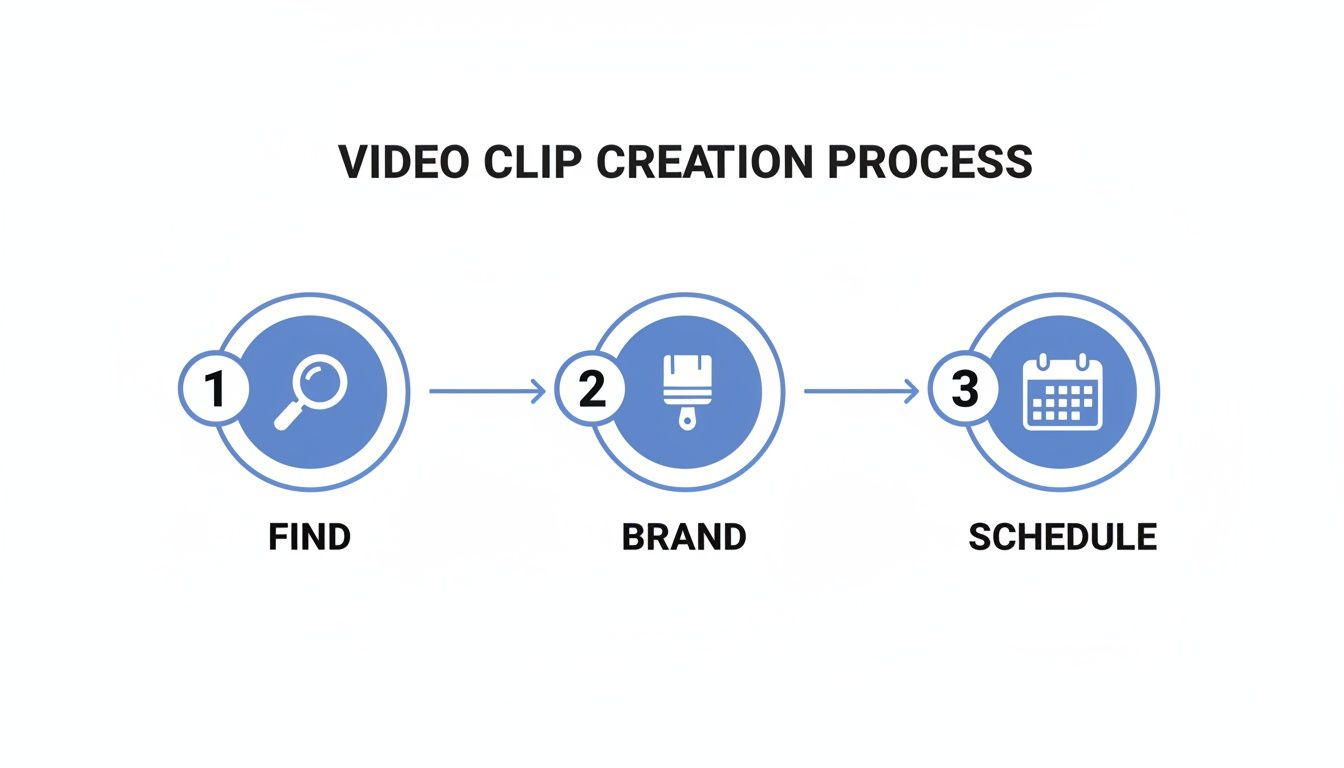
Here’s a quick checklist to follow:
- Find the Highlights (The Smart Way): Use AI to automatically identify the most compelling moments in your long-form video or audio. No more manual searching.
- Brand & Polish (In One Click): Apply preset brand templates, logos, colors, and auto-captions to your selected clips instantly.
- Optimize & Schedule (In Batches): Resize clips for different platforms, generate platform-specific copy, and schedule everything in advance.
By systemizing these steps, you eliminate the friction that leads to inconsistent posting and build a reliable content pipeline.
Step 1: Automatically Find the Best Moments in Your Content
Manually scrubbing through an hour-long webinar to find a few shareable gems is a huge time sink and a waste of your creative energy. The smarter way is to let AI handle the heavy lifting.
This is where a tool built for this exact job is essential. Flowjin is an AI platform for creators and marketers that turns long-form video and audio into social-ready clips in minutes. You simply upload a file or drop in a link from a source like YouTube, and its AI analyzes the entire transcript to find the best moments for you.
Let AI Do the First Pass
Instead of making you re-listen to the whole recording, the system flags compelling highlights automatically. It’s trained to identify moments that grab attention, such as:
- Key questions asked during an interview.
- Insightful statements that stand on their own.
- Actionable tips or list-style content.
- Strong emotional beats, like a surprising story.
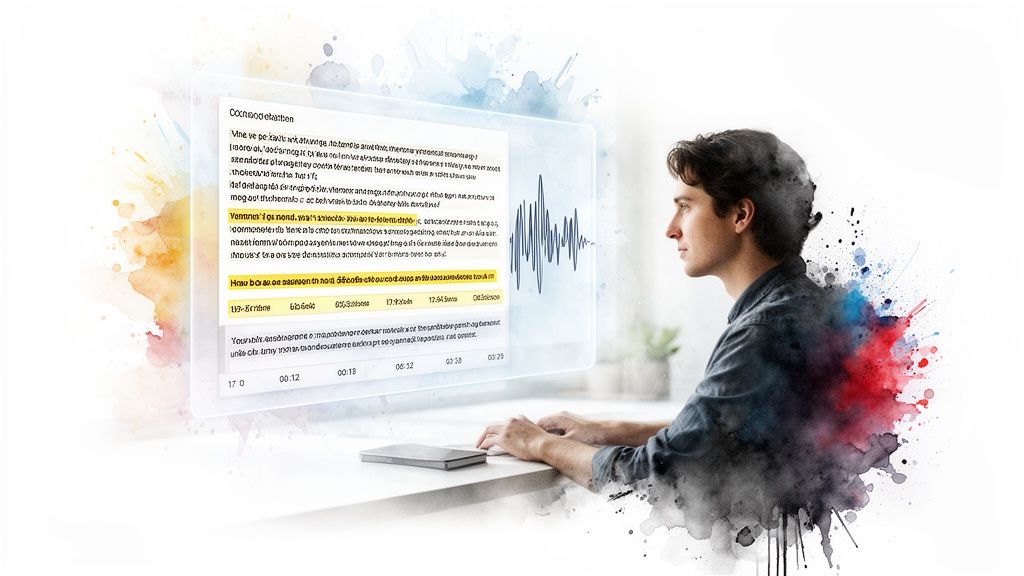
The AI presents these as timestamped suggestions with transcriptions. This step alone can cut your review time by over 90%, letting you jump straight to curating the best content. Think of the AI as your production assistant—it surfaces the starting points so you can focus on polishing the final clips.
Fine-Tuning Your Selections
Once the AI serves up its suggestions, you’re in control. Quickly review the proposed clips and make final tweaks.
You might want to adjust the start or end time to make a point land better or snip out a verbal stumble like an "Um..." This combination of AI discovery and human curation is the fastest way to create high-quality video clips without burnout. You can see this workflow in action in our guide on how to get clips from YouTube videos.
A single one-hour podcast can easily yield 15-20 potential clips, giving you a backlog of content ideas without any manual work.
Step 2: Apply Professional Branding to Every Clip in Seconds
Once you've selected your highlights, the next step is to make them look polished and distinctly yours. Consistent branding helps build instant recognition in a crowded feed.
Manually adding logos, text, and brand colors to every clip is repetitive and slow. This is where a templated system is a game-changer for anyone learning how to create video clips efficiently.
Set Up Your Brand Kit Once, Use It Forever
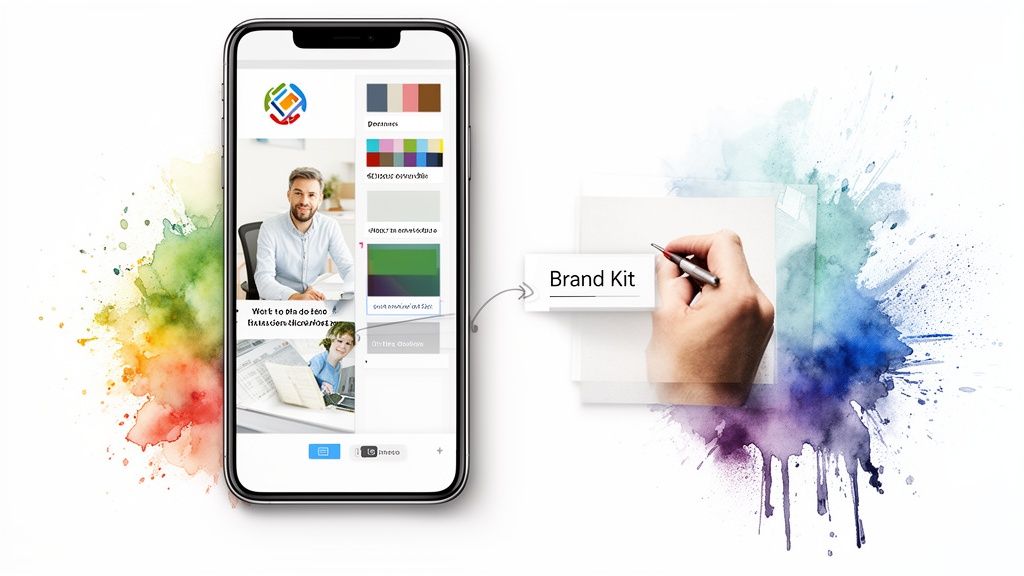
With a platform like Flowjin, you set up your brand kit one time, and it’s ready to apply to all future content.
Your one-time setup includes:
- Your Logo: Upload it once for automatic placement.
- Brand Colors: Define your palette for text, backgrounds, and progress bars.
- Custom Fonts: Ensure your captions match your brand’s typography.
With your brand kit saved, you can apply a consistent, professional look to dozens of clips with a single click, eliminating hours of tedious design work.
Automate Smart Framing and Layouts
Converting a landscape (16:9) webinar for a vertical screen can be a headache. Manually trying to keep a speaker's face centered often looks amateur.
Tools like Flowjin use AI Speaker Tracking to solve this. The technology intelligently identifies who is talking and automatically keeps them centered in the frame. When you select a vertical or square template, the AI reframes the shot to focus on the speaker, making your content look like it was filmed natively for that platform.
Add Dynamic, On-Brand Captions Automatically
Captions are non-negotiable for social media, as most viewers watch with the sound off. Manually transcribing and timing them is incredibly slow.
Flowjin automates this entire workflow. The AI generates a full transcript and creates animated, dynamic captions that are burned directly into your video. Because you’ve already set up your brand kit, these captions instantly use your brand's fonts and colors. You just give the text a quick review, and the work is done.
This automated process—combining brand templates, smart reframing, and dynamic captioning—turns the branding stage from a bottleneck into a simple, one-click action.
Step 3: Optimize and Schedule Clips for Each Social Media Platform
Posting the same horizontal video across all your channels is a fast way to kill engagement. A clip that works on LinkedIn won't hit the same way on TikTok. Smart optimization is about making your content feel native to each platform.
One-Click Resizing for Any Platform
The most obvious difference between platforms is aspect ratio. A landscape (16:9) video gets awkwardly cropped on Instagram Reels, which is built for vertical (9:16) content.
Instead of manually re-editing, use a tool like Flowjin to resize clips with one click. You can take one highlight and instantly create versions for:
- Vertical (9:16): For TikTok, Instagram Reels, and YouTube Shorts.
- Square (1:1): For LinkedIn and Facebook feeds.
- Horizontal (16:9): For standard YouTube videos.
This automated resizing, combined with AI speaker tracking, ensures your subject stays perfectly framed no matter the shape.
Generating Platform-Specific Copy with AI
The title, description, and hashtags that work on LinkedIn feel out of place on TikTok. Writing unique copy for every platform is another task perfect for automation.
Flowjin uses AI to act as your social media copywriter. By analyzing a clip’s transcript, it can draft unique posts for each platform, matching the tone and conventions of that channel. You no longer need to be an expert on every platform's unwritten rules.
Platform-Specific Video Clip Optimization
This table is a quick reference guide for tailoring your video clips to the most popular social media platforms.
To go deeper on a specific platform, check out our guide on using a TikTok clip maker or explore strategies to promote your music on TikTok and other short-form platforms.
The Final Step: Schedule Everything in Advance
You've created a batch of fantastic video clips. Now, you need to get them out there consistently. Manually posting every day is a recipe for burnout. The final piece of a scalable content system is scheduling.
A Single Hub for All Your Publishing
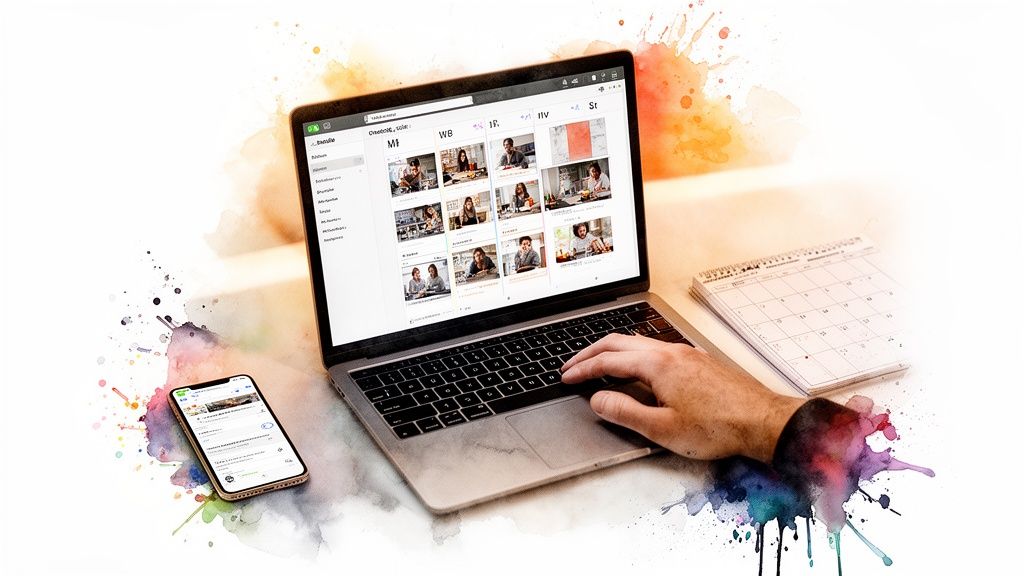
Using a tool with a built-in scheduler is a game-changer. Flowjin brings the entire workflow full circle. After finding highlights, branding clips, and optimizing copy, you can plan and automate your publishing schedule from one central dashboard.
This means you can:
- Queue content for LinkedIn, X (Twitter), TikTok, and more.
- Pick the optimal publish times for each channel.
- See your entire content calendar at a glance.
The Power of Batching and Scheduling
The real magic is combining batch creation with scheduling. Spend a few hours turning one webinar into 10 polished clips, then immediately load them into your content queue to be posted over the next two weeks.
Scheduling buys back your mental energy. You get rid of the daily "what should I post?" panic and can focus on engaging with your community. This batch-and-schedule rhythm builds the consistency needed to grow your audience. For a deeper dive, read our guide on how to schedule social media posts.
This system transforms you from a frantic creator into a strategic publisher.
Common Mistakes to Avoid When Creating Video Clips
Even with a great workflow for how to create video clips, a few common mistakes can kill your results.
- Forgetting Captions: A huge number of people watch videos with the sound off. No captions mean your message is lost.
- One-Size-Fits-All Approach: Posting the same horizontal clip everywhere looks lazy and tanks engagement. Always optimize for the platform.
- Poor Source Quality: A clip is only as good as the original recording. Muddy or echoey audio makes even the best content unwatchable. Prioritize clean audio during recording.
- Inconsistency: Posting in random bursts trains your audience to ignore you. A steady, predictable schedule is far more powerful for building momentum and trust.
Avoiding these pitfalls ensures your streamlined process creates clips that are not just efficient to make, but also effective at grabbing attention.
Frequently Asked Questions
Here are answers to the most common questions about creating video clips.
How many clips should I aim for from one long video?
Aim for 5 to 10 high-quality clips from an hour-long recording. It’s tempting to create more, but your job is to be a curator. Quality beats quantity—a handful of compelling clips will drive more engagement than a dozen mediocre ones.
What is the best length for social media video clips?
It depends on the platform, but always hook the viewer in the first three seconds.
- TikTok & Instagram Reels: 15-45 seconds.
- LinkedIn: 30-90 seconds for insightful content.
- YouTube Shorts: Under 60 seconds.
Be ruthless with your edits. Get straight to the point and respect your viewer's time.
Can I make video clips from an audio-only podcast?
Yes, by creating audiograms. These are videos that pair your audio clip with a visual element like a background image and an animated waveform. Add your branding and captions, and you have a perfect social media asset for sharing podcast highlights.
What’s the fastest way to add captions to my clips?
Don't do it by hand. Use a tool with automatic transcription. A platform like Flowjin generates a transcript in minutes, then burns animated, on-brand captions directly into your video. It saves hours of work and makes your content accessible.
Ready to stop wasting time and start creating clips the smart way? With Flowjin, you can turn one long video into a month's worth of social content in minutes. Let our AI find the highlights, apply your branding, and schedule your posts. Start your free trial today!